Applying costs you a shot you don't get back. A truck can only ever have one application per listing — once you've applied, you can't apply to that same listing again, even if the application was rejected or the owner never responds. There's no undo and no second try on that listing from either side, so make sure your profile is ready and the space is really a fit before you tap the button.
Before you apply
You'll need a truck profile — see Completing your truck profile. If you don't have one yet, Apply and Join Waitlist both take you to the truck registration form instead, with the listing already attached — more on that further down.
Find a listing worth applying to through Searching and filtering listings. A listing that's Pending, Hidden, or Disabled isn't visible to you at all — there's no page and no button to find. See Trouble applying to a listing? if you expected to see one.
Apply, or Join Waitlist — same button, same result
A listing that's Available shows an Apply button. A listing that's Waitlist shows Join Waitlist instead — full for now, but still taking applications for when a spot opens. Both buttons send the exact same application behind the scenes; only the label changes with the listing's status. See Listing statuses explained.
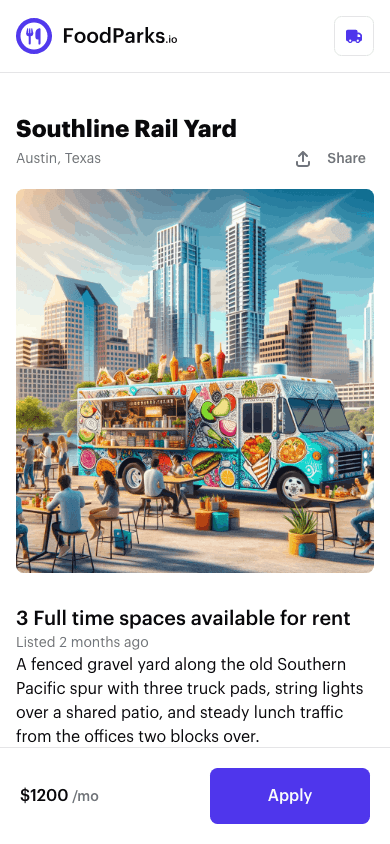
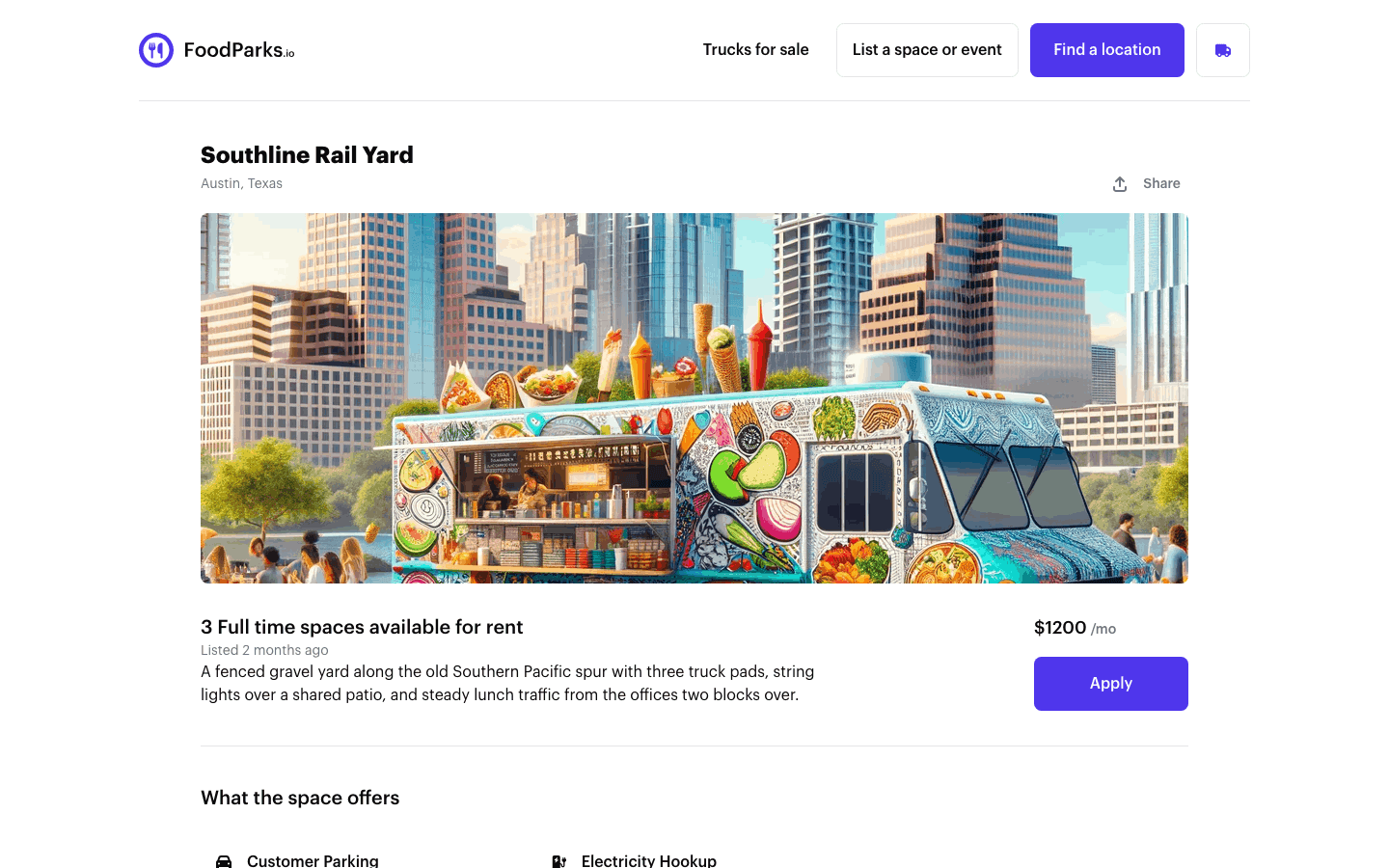
Signed in with a truck profile already set up, one tap sends it — a toast confirms your application has been sent to the space owner, and the button switches to a disabled, checked-off Applied badge.
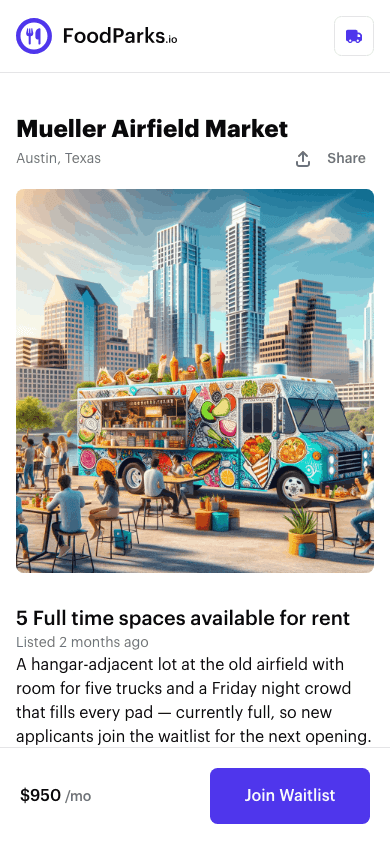
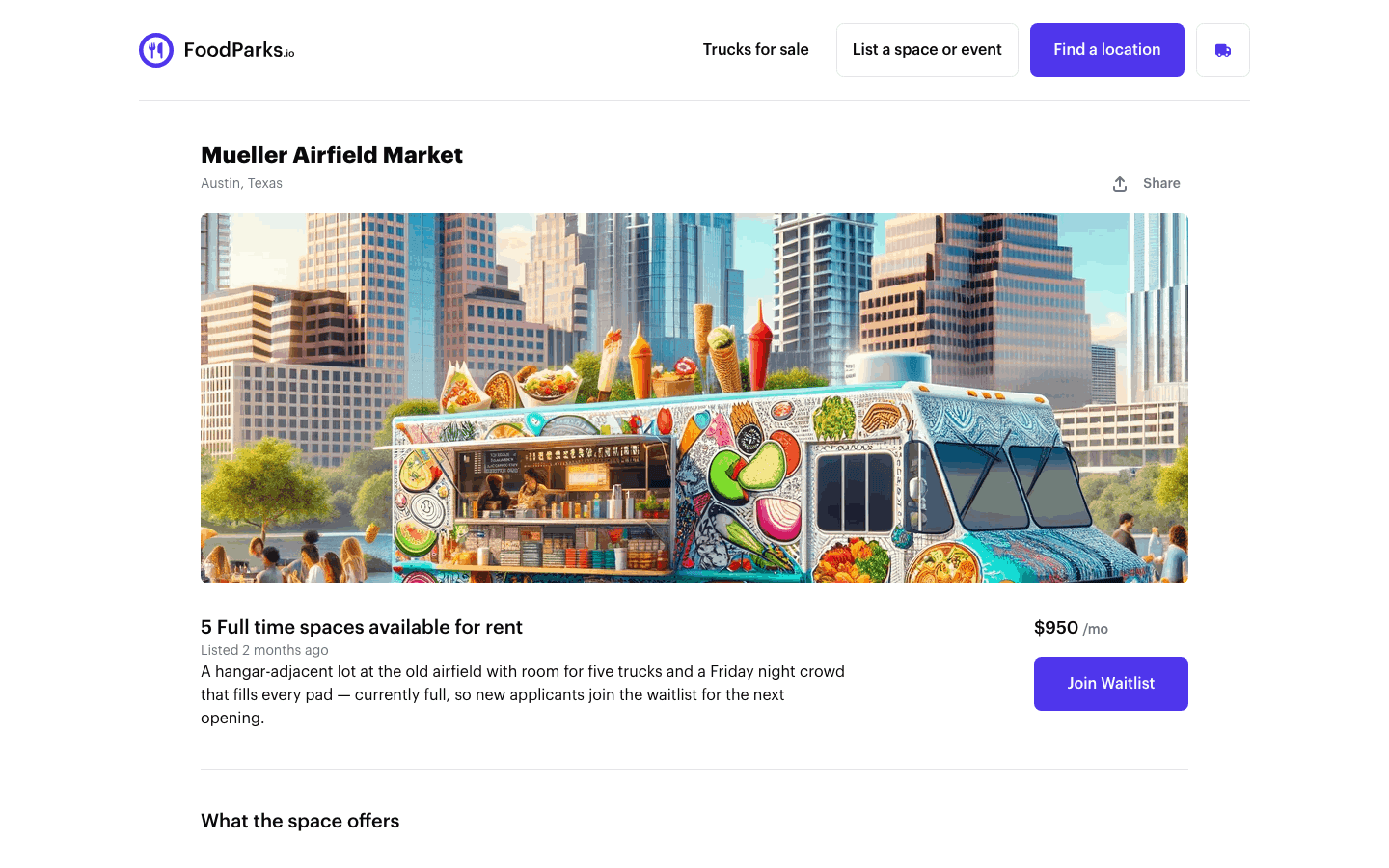
If you don't have a truck profile yet
Signed out, or signed in without a truck, Apply and Join Waitlist both lead to Registering your food truck instead, with this listing carried along. Finish that form and your application to this listing is filed the same moment your truck profile is created — you don't come back afterward to press Apply again. In rare cases the truck is created and the application doesn't attach; Trouble applying to a listing? covers how to spot that and what to do about it.
What happens after you submit
Your application starts Pending. It lands in the space owner's Applications list with its own message thread — see Reviewing applications from trucks — and an email goes out to each of you: one confirming your application was sent, one telling the owner a truck applied to their listing. Those ride FoodParks' roughly hourly email run rather than arriving instantly, and each of you only gets yours if your notification settings still allow it — see Managing notification preferences. From there the owner moves it to Approved or Rejected; see What your application status means for what changes and how you're notified.
You can only apply once — ever
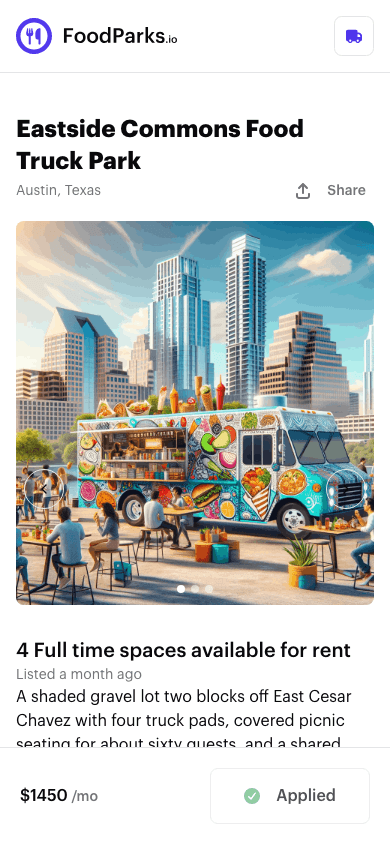
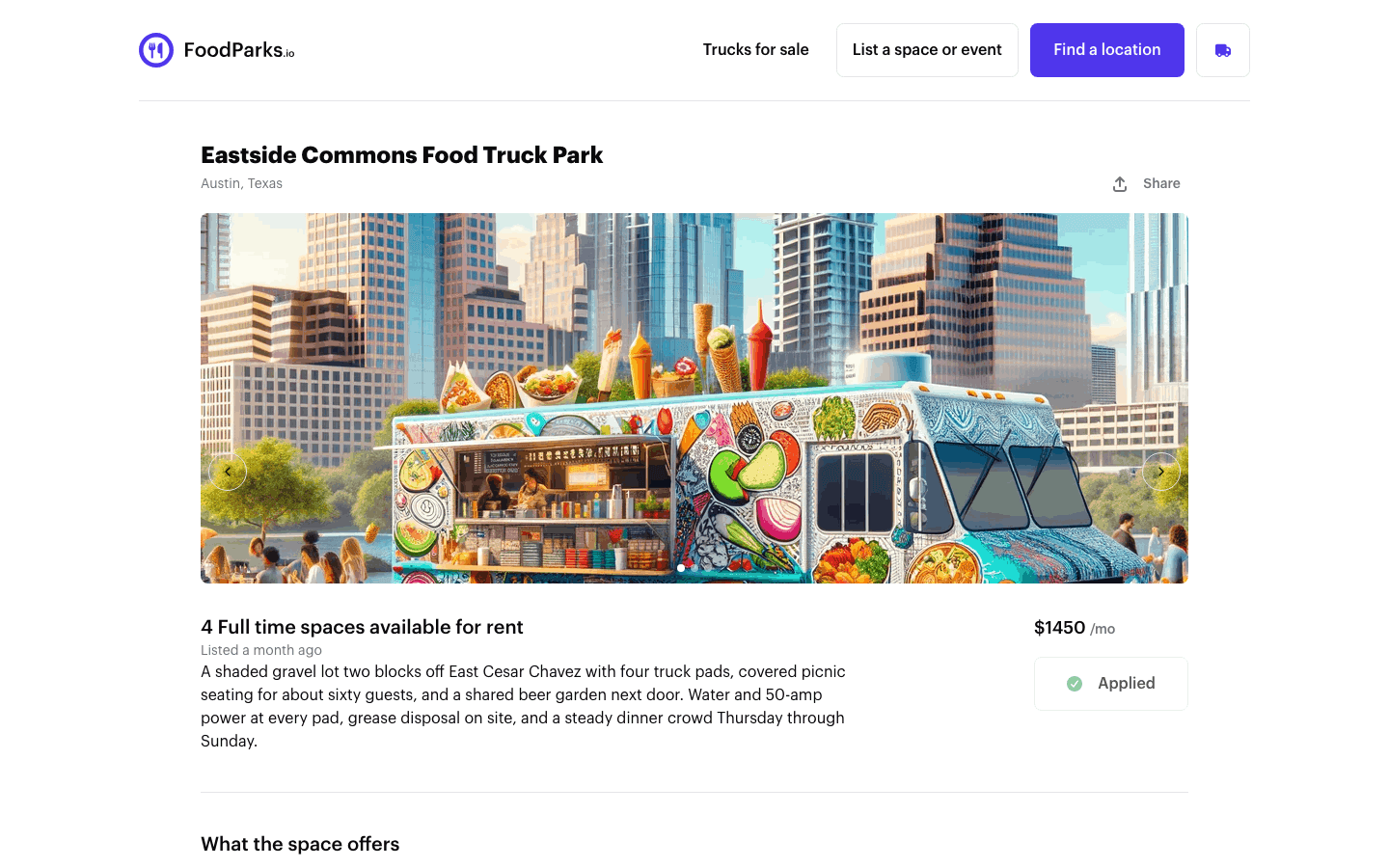
Once you've applied, that listing's button locks into the disabled Applied (or Waitlist Joined) badge above for good. Whatever happens next — approved, rejected, or the owner never replies — there's no way to apply to that same listing again, and nothing in your dashboard undoes it. Treat every Apply and Join Waitlist tap as final. See FoodParks glossary and Trouble applying to a listing? if you think you're seeing this by mistake.