Photos are what a space owner sees first when they open your application — before they read your description or your dimensions.
Where your truck's photos live
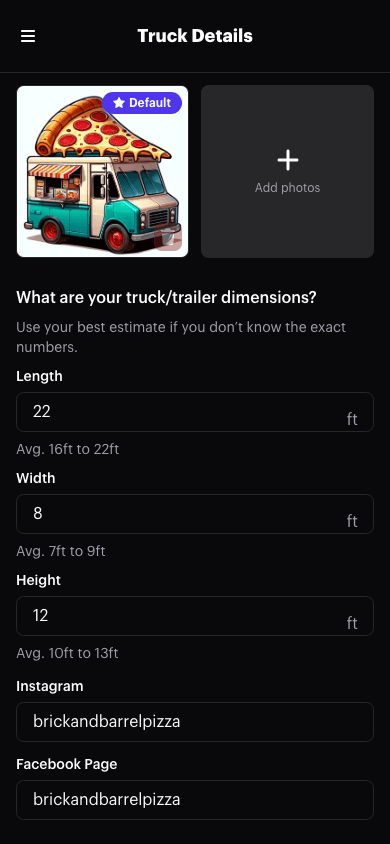
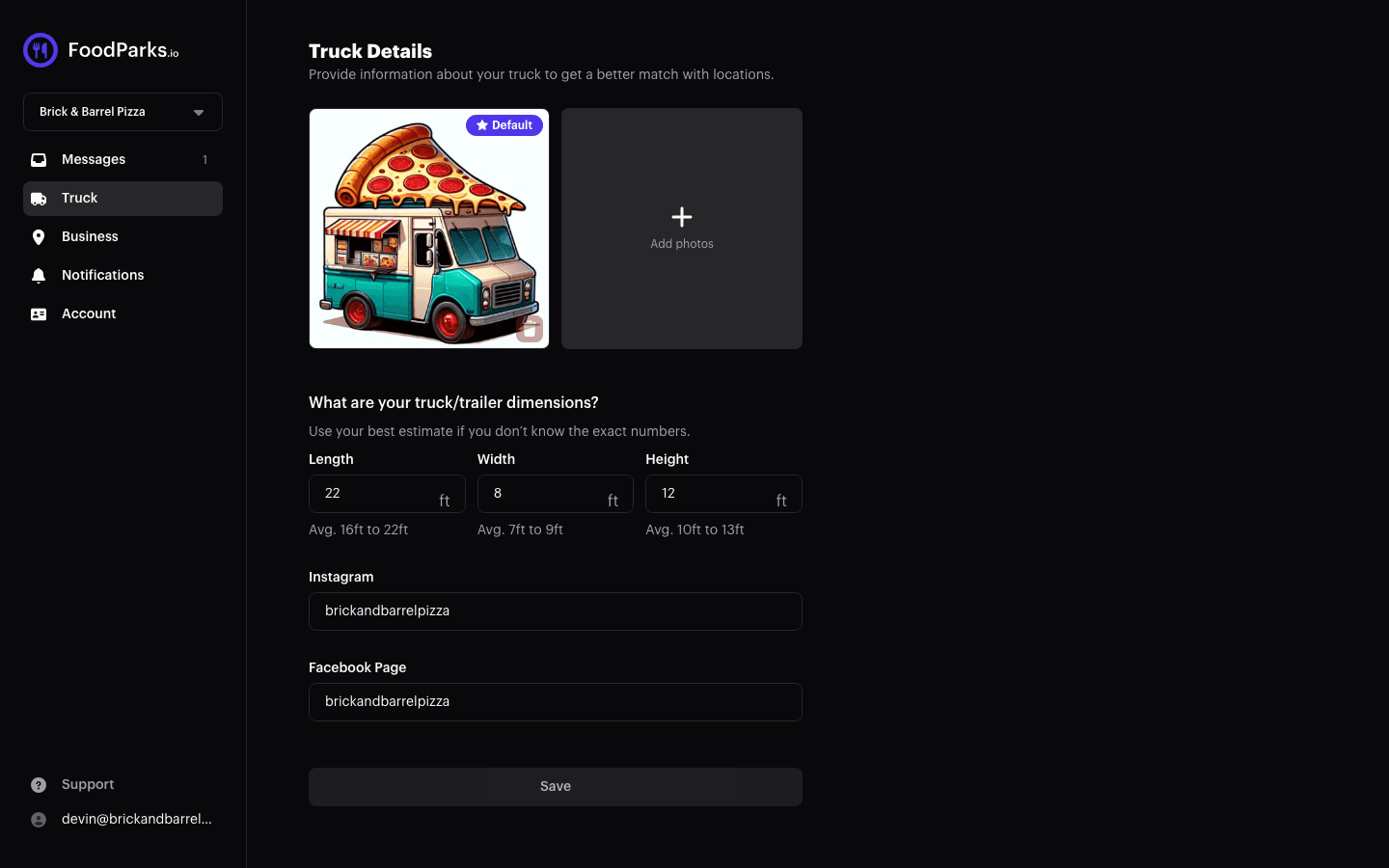
Your gallery sits on the Truck page, next to your dimensions and social links. Open the account menu (the button in the top right of the header) and choose Truck. See Completing your truck profile for how the pages divide up, and Setting your business details for your business name, description, home city, and state, which live on the Business page instead.
You also add your first photos while registering your truck — see Registering your food truck.
Adding photos
Choose Add photos, or drop image files straight onto the gallery. You can pick several at once and they upload together.
- Four formats go in: JPG, PNG, WebP, and the HEIC files an iPhone produces, which are converted for you on the way in. Anything else is turned away.
- A truck needs at least 1 photo and can hold up to 10.
- Large photos are compressed before they upload; anything still over 10 MB after that is turned away.
An upload that fails tells you why, so you can retry it or reach for a different file.
Choosing which photo leads
Drag photos into whatever order you want; a mouse or a touchscreen both do it. Whichever one ends up first is marked Default, and that's your truck's cover photo — the first thing a space owner sees in the carousel when reviewing your application. List your truck for sale later and it's the same photo that fronts your entry on the Food Trucks For Sale page — see How to sell your food truck.
Want a different one leading? Hover it, choose Set as default, and it jumps to the front.
Taking a photo out
Hover a photo and pick the trash icon. A truck can't sit at zero photos, so the last remaining one can't be removed — upload its replacement first, then remove the one you're retiring.
Changing your gallery enables Save, which applies it along with anything else you changed on this page.
Tips for photos that get you approved
- Show the truck or trailer itself — its exterior, signage, and serving window — not just the food on a plate.
- Shoot in daylight where you can — low-light shots read as closed rather than atmospheric.
- Include a shot of the truck in action if you have one: parked and serving at a past event reads as more established than an empty parking lot.
- Clear, well-lit photos of your actual setup build more trust than professional-looking stock photography would.
With the gallery sorted, move on to Setting your business details for your business name, description, home city, and state.