A truck profile is created at Find a Space for Your Food Truck — the same form you land on if you tap Apply or Join Waitlist on a listing before you have a truck yet. You don't need an account first: the form only asks for an email address, and that becomes your account when you submit. See Creating your account. The form has three steps.
Step 1: Business and contact info
- Business name — the name customers know you by.
- First name, last name, and email — your email is also how you sign back in later. If the email you enter already owns a truck, moving to the next step takes you to that truck instead of starting a second one.
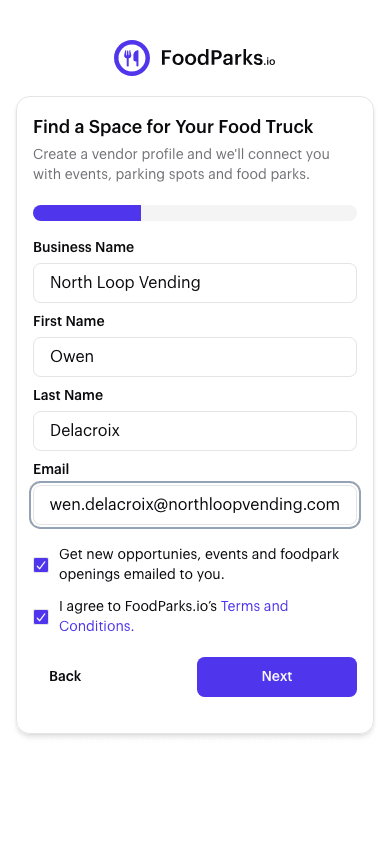
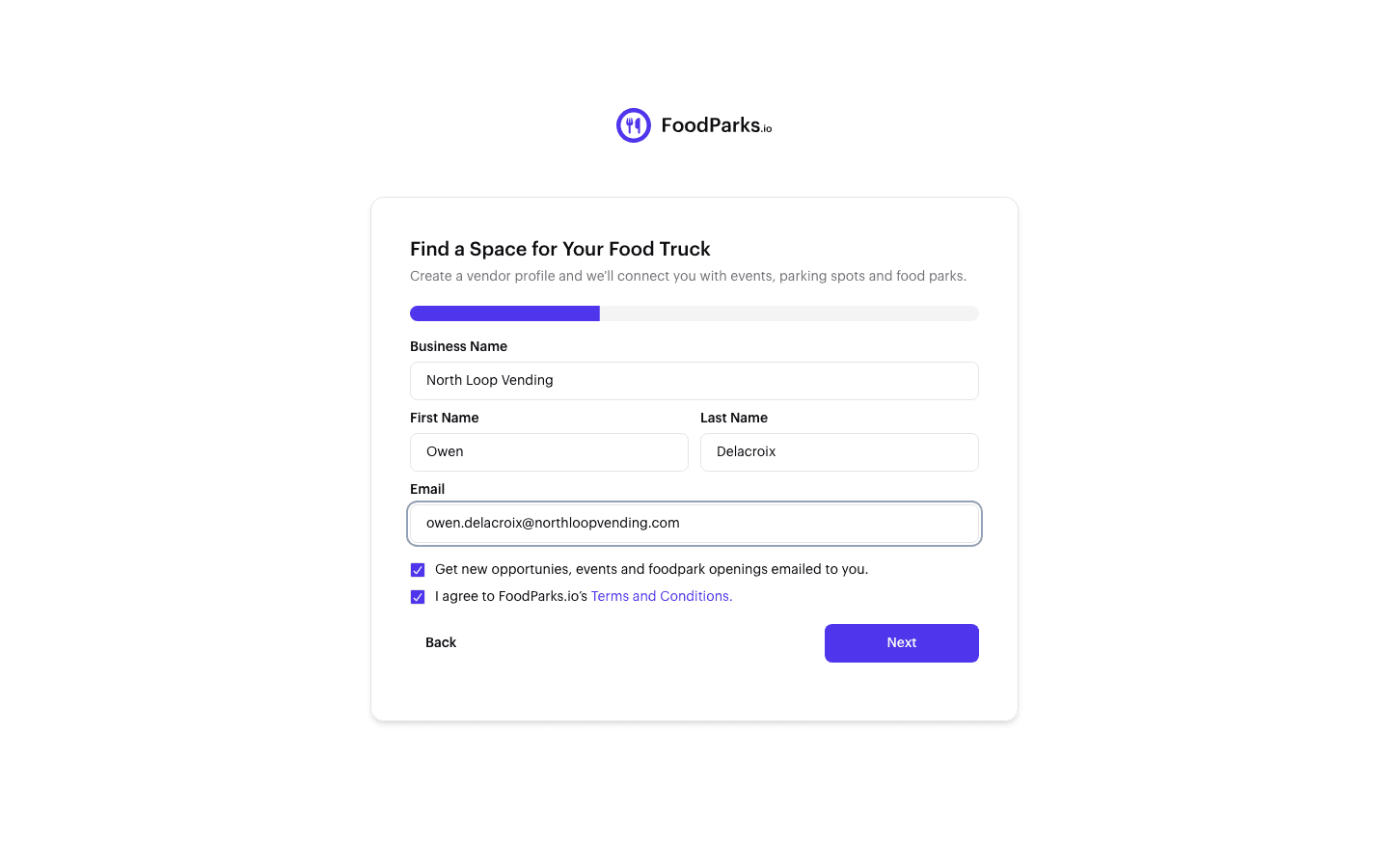
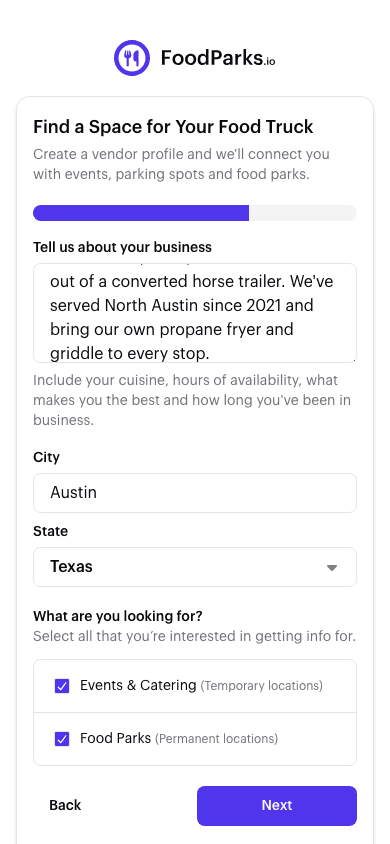
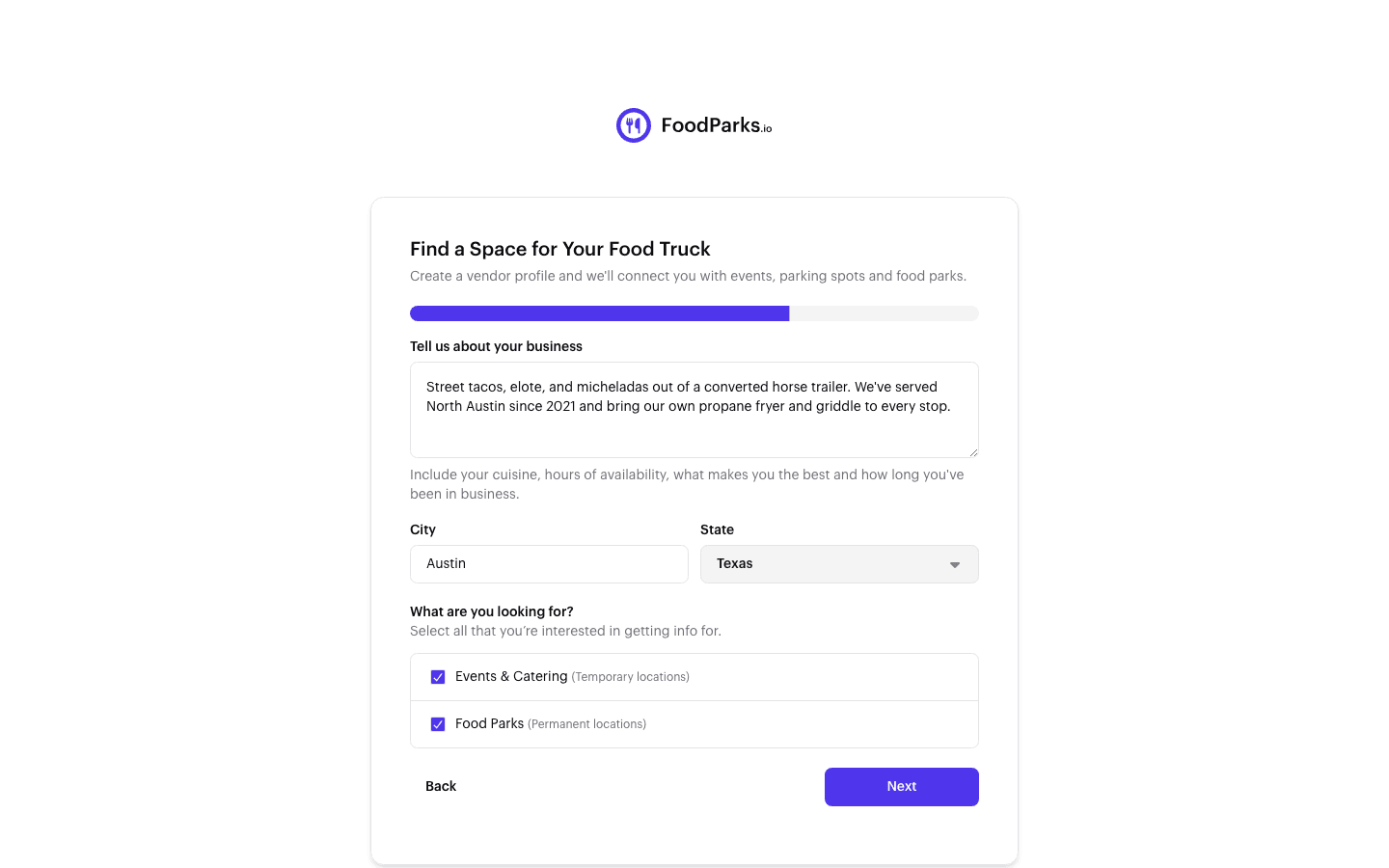
Step 2: Description and location
- Tell us about your business — this form has no separate cuisine field, so put it here along with your hours and how long you've been in business. See Completing your truck profile.
- City and state — where you're based. See Setting your business details.
- What are you looking for? — Events & Catering for temporary spots, Food Parks for permanent ones. Check either or both.
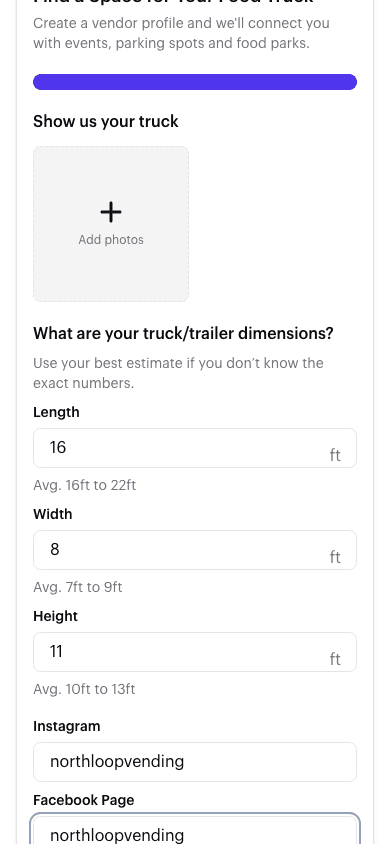
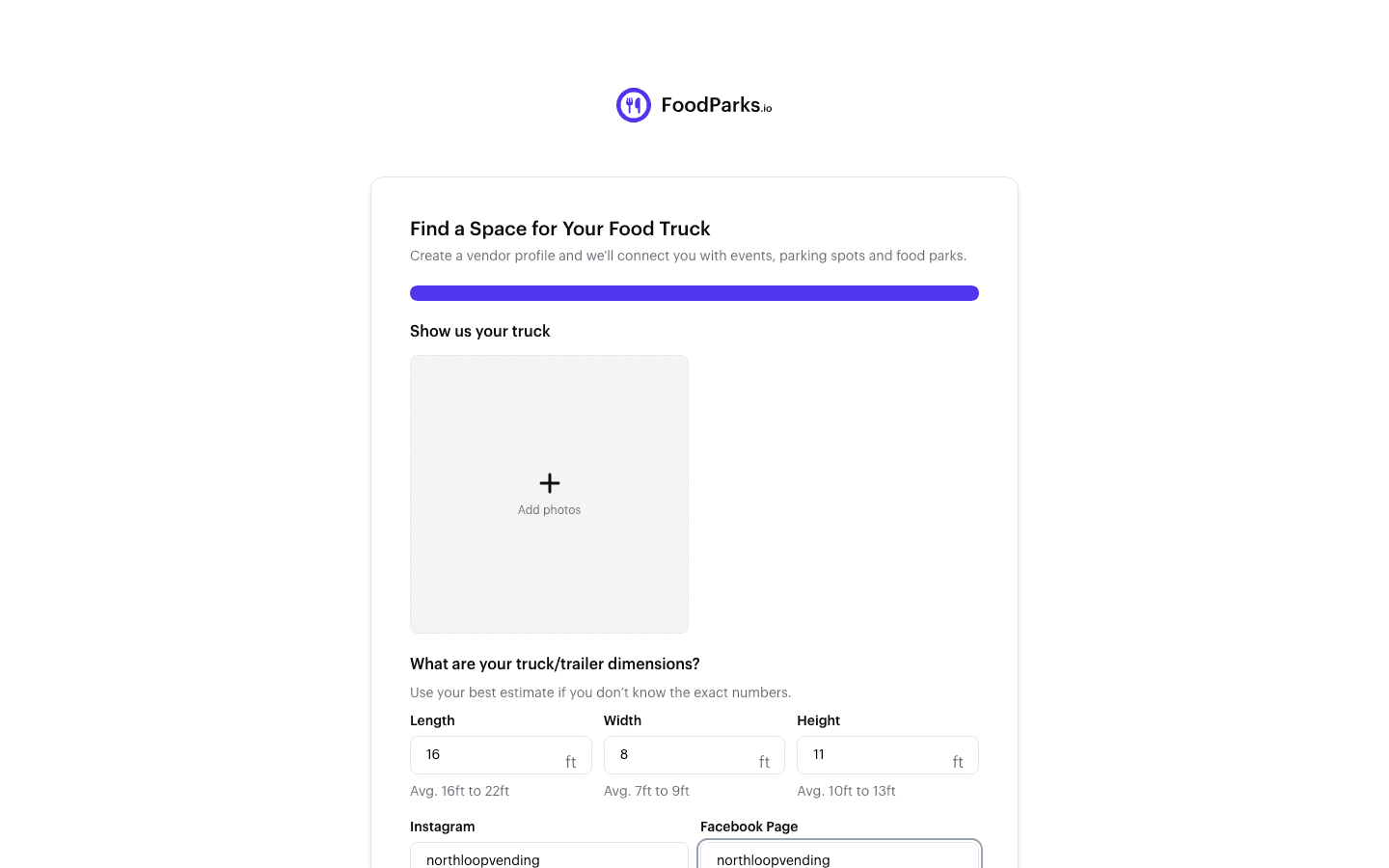
Step 3: Photos and dimensions
- Photos — at least one, up to ten. See Adding photos of your truck.
- Dimensions — length, width, and height, so space owners can tell whether you fit.
- Instagram and Facebook — optional, but an easy way for an owner to see you're a real, working truck.
After you submit
If you got here by tapping Apply or Join Waitlist on a listing, submitting this form also sends that listing your application in the same step — you don't need to apply again afterward. See Applying to a space.
Otherwise, you land on your new truck page with a profile ready to search out and apply to listings. Either way, see Completing your truck profile to keep it up to date, and Space owner, truck operator, or both? if you decide to list a space of your own too.