FoodParks doesn't ask you to pick a role when you sign in. There's no "I'm a space owner" or "I'm a truck operator" choice anywhere in account creation — see Creating your account. Your account becomes one, the other, or both, based only on what you go on to create.
If you have space
Start at List a Food Truck Space for Rent to see the kinds of properties and events you can list and how the process works. When you're ready, choose Create your free listing or Start your listing. The form asks for your address, details like photos and tags, and your rent or event dates — you don't need an account first.
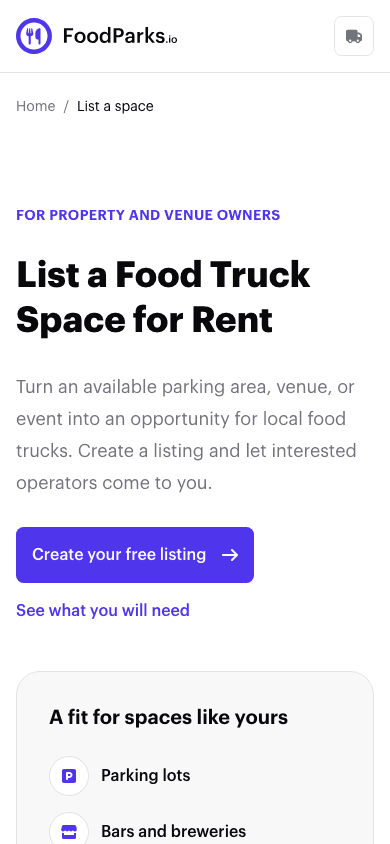
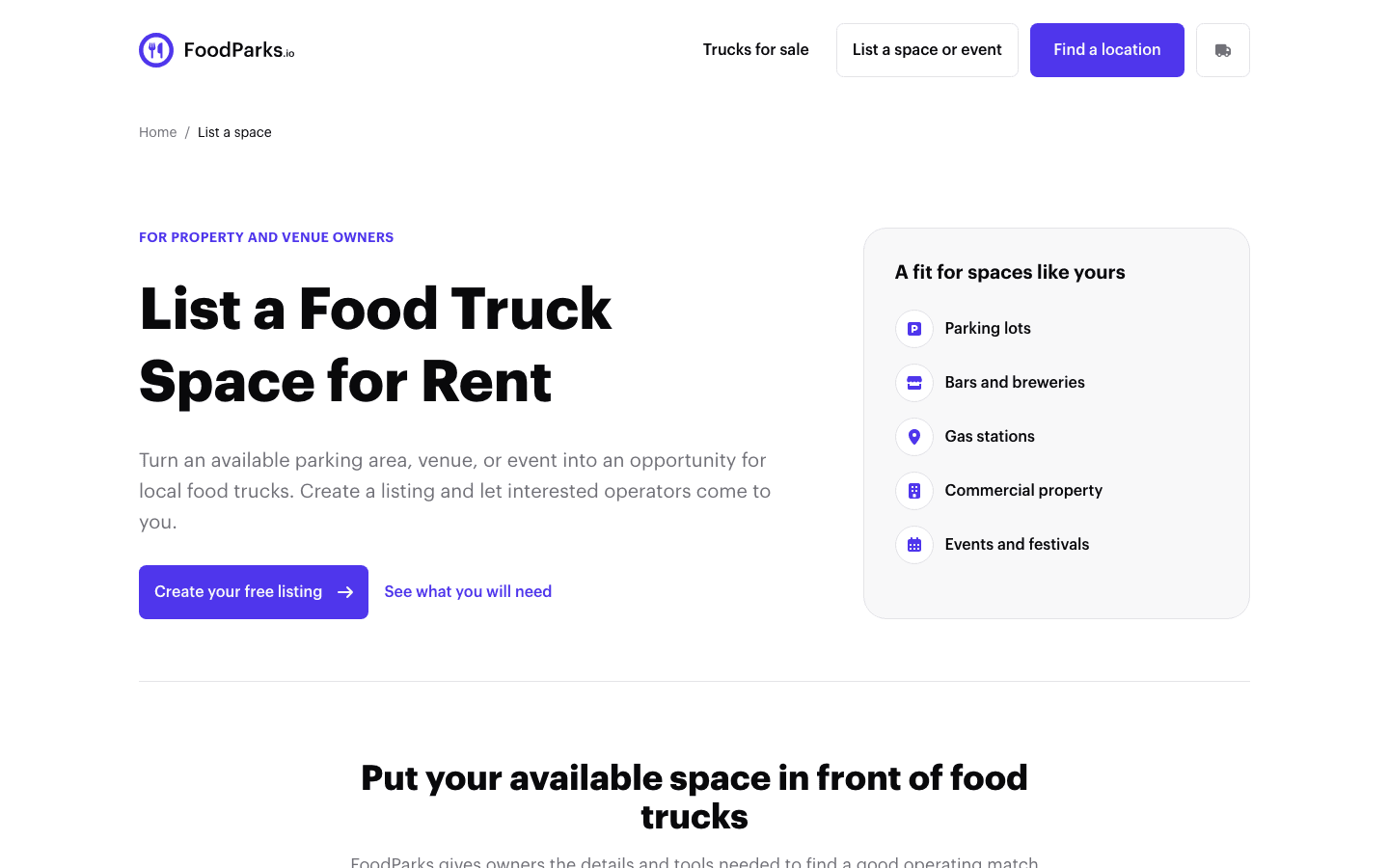
See Listing your first space or event for the full walkthrough.
If you operate a food truck
Register your truck with a profile, photos, and business details, then search listings and apply to the ones that fit. Space owners see this profile when you apply.
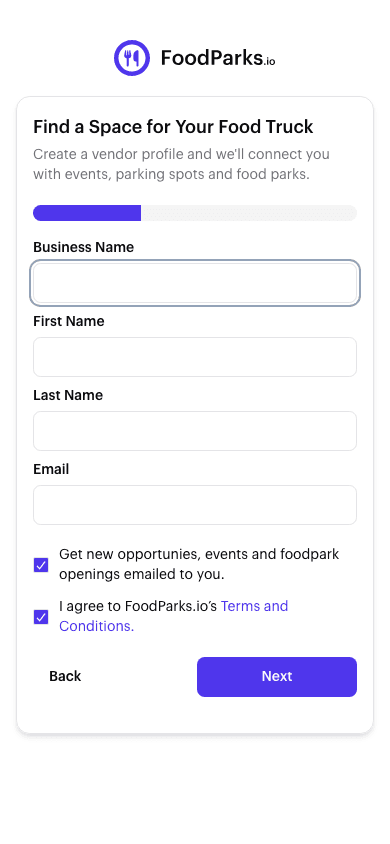
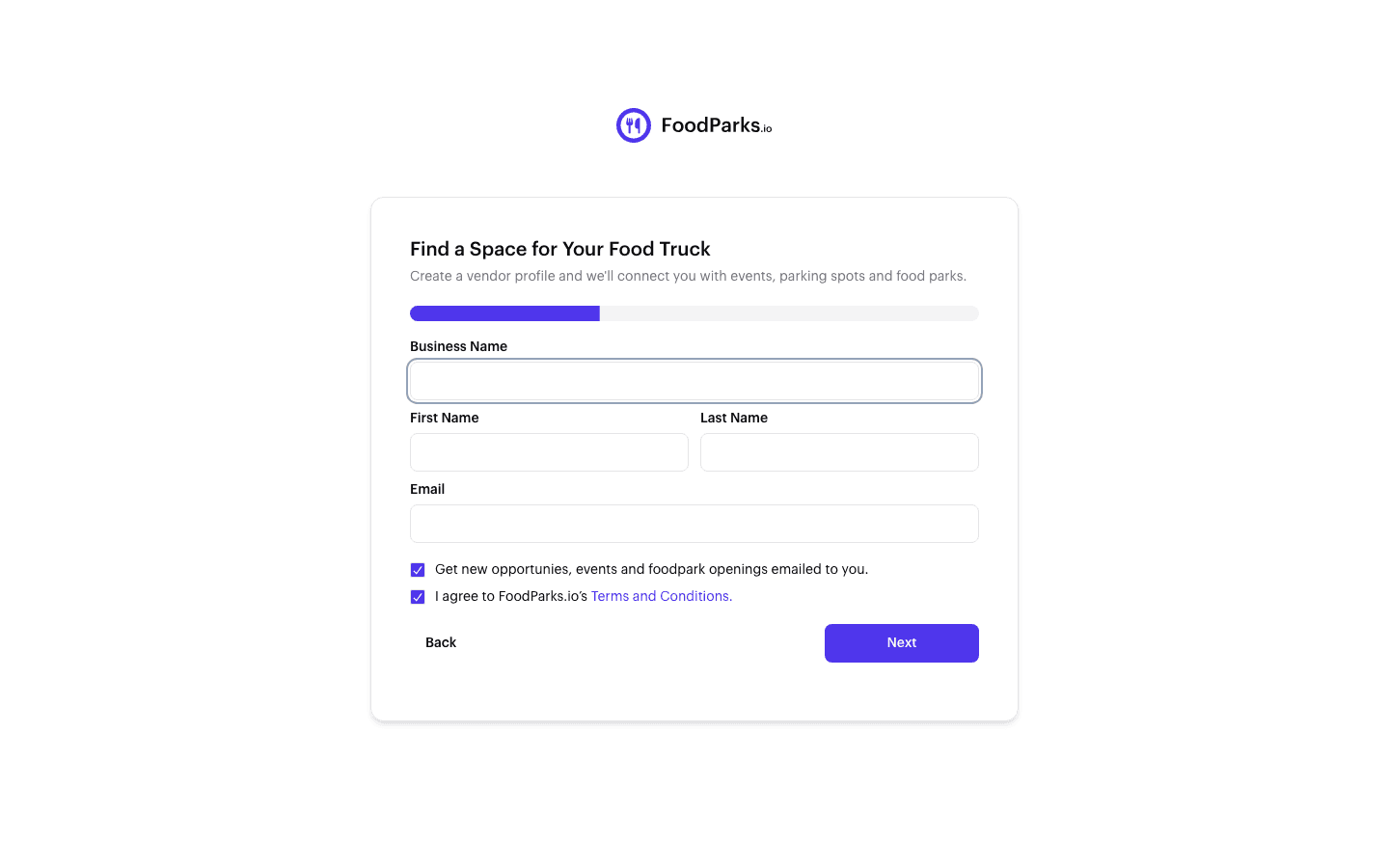
See Registering your food truck for the full walkthrough.
Running both from one account
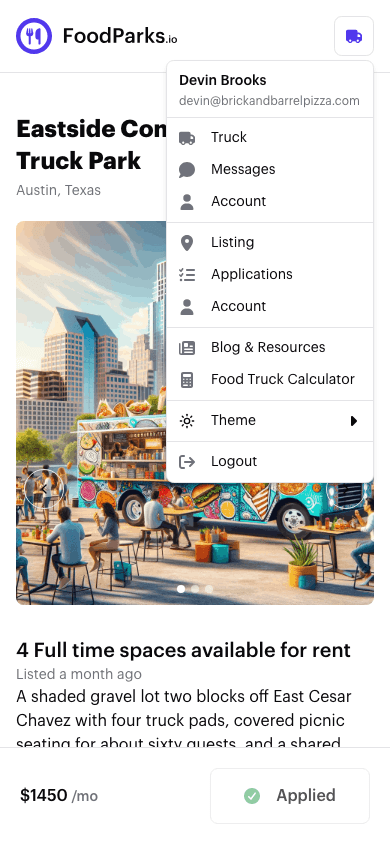
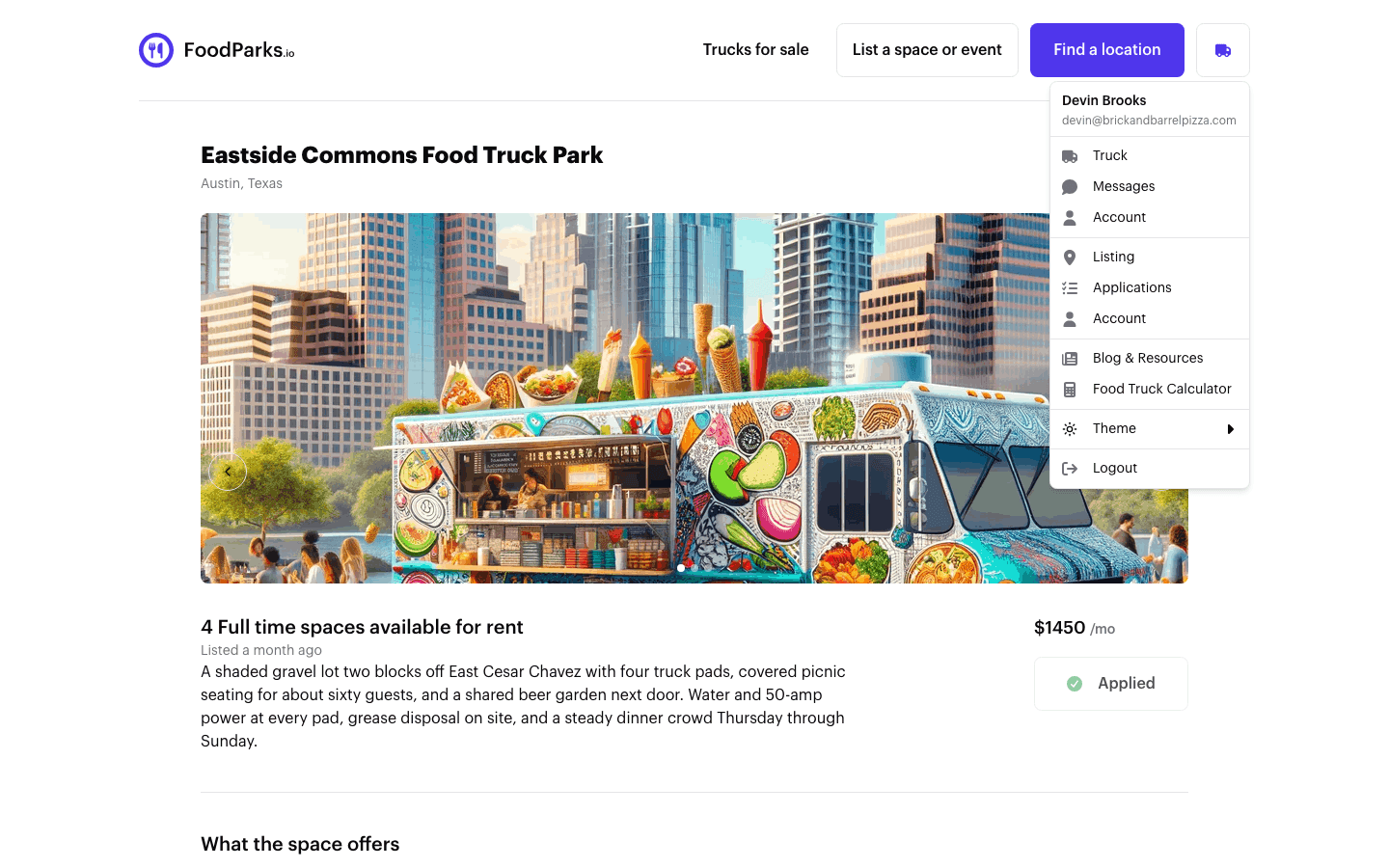
Both forms only ask for your email address, so nothing stops the same account from owning a listing and a truck at the same time. Sign in once, and your account menu shows a section for each one you own — its own messages and account settings, side by side.
If you end up with more than one listing or more than one truck, see Managing multiple trucks or listings for switching between them.