A listing is the space you're offering to food trucks — a parking lot, a venue, or a one-time event. Look for List a space or event in the header on a desktop-size screen, or open List a Food Truck Space for Rent. That page explains what you can list, what to have ready, and how applications work. Choose Create your free listing or Start your listing when you're ready to open the three-step form. If you already know what you need, you can go straight to the listing form.
Full time or a single event
The form starts by asking whether you're listing Full Time Availability for an ongoing spot, or Events & Catering for something with a start date (and an end date, if it runs more than one day). Everything after that — address, details, photos — works the same either way, except pricing: a Full Time listing asks for a monthly rent, while an Events & Catering listing asks for those event dates and has no price field. For the full field-by-field walkthrough with a screenshot of each step, see Creating a listing.
You don't need an account first
The form only asks for your email address, not a password. Submit it, and FoodParks emails you the same six-digit code used everywhere else on the site — enter it, and you land on your brand-new listing, already signed in. See Creating your account.
After you submit: your listing is Pending
Every new listing starts out Pending: it isn't visible to food trucks yet, and nobody can apply to it while it's in this state. The FoodParks.io team reviews new listings within 24 to 48 hours. You'll get an email confirming yours is in review, sent on a run that fires about once an hour, and land on its Applications page, which shows the same thing:
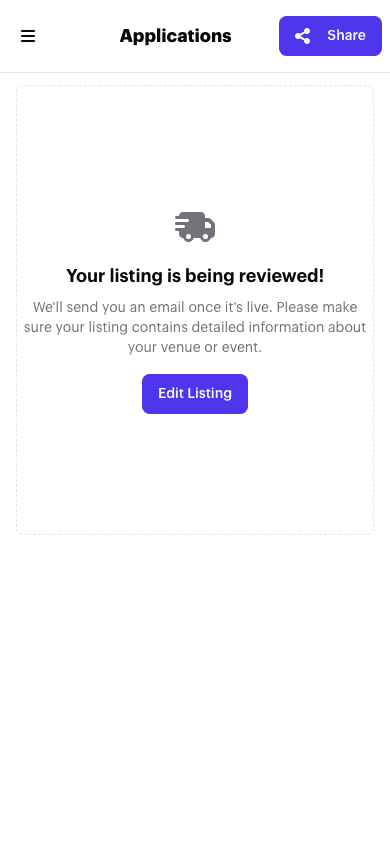
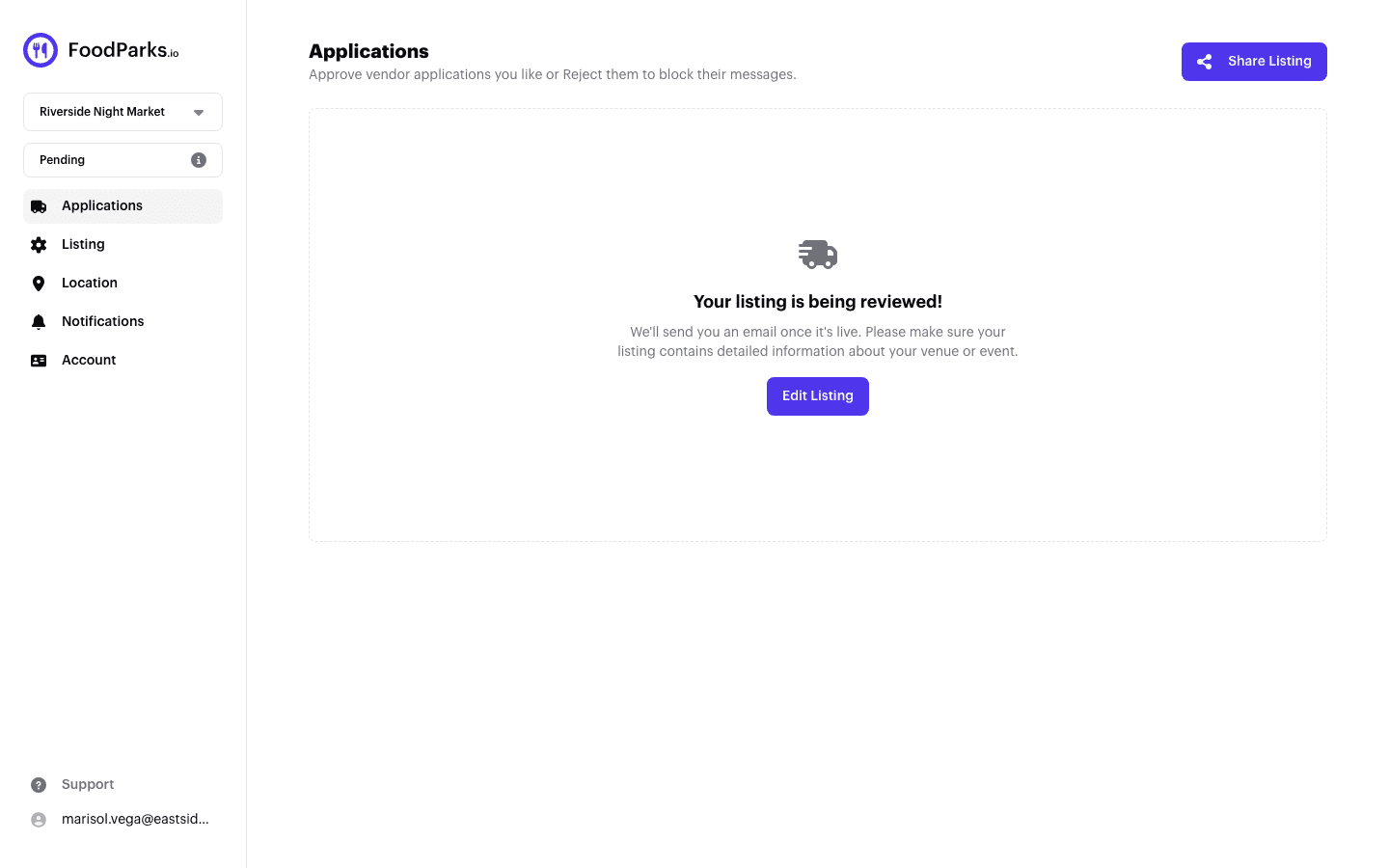
There's nothing to do here but wait — or use Edit Listing if you want to change anything before it goes live. See Why is my listing "Pending"? and Listing statuses explained.
Once it's approved
FoodParks emails you again once your listing goes live. That email goes out on a run that fires about once an hour rather than at the instant your status changes, so it can trail the change by a little — your listing is already live and findable by then. From there, food trucks browsing the locations directory or your city's page can find it and apply — see Finding a space for your food truck. Applications land back on the same Applications page, each with its own message thread. See Reviewing applications from trucks.
Changing anything later
Everything on the listing — description, photos, price, number of spaces, tags — can be edited after it's live. See Editing your listing.