A listing is the space you are offering to food trucks — a lot, a venue, or an event. You can first review the owner overview at List a Food Truck Space for Rent, then choose Create your free listing or Start your listing. If you're ready now, go straight to the listing form. The form has three steps.
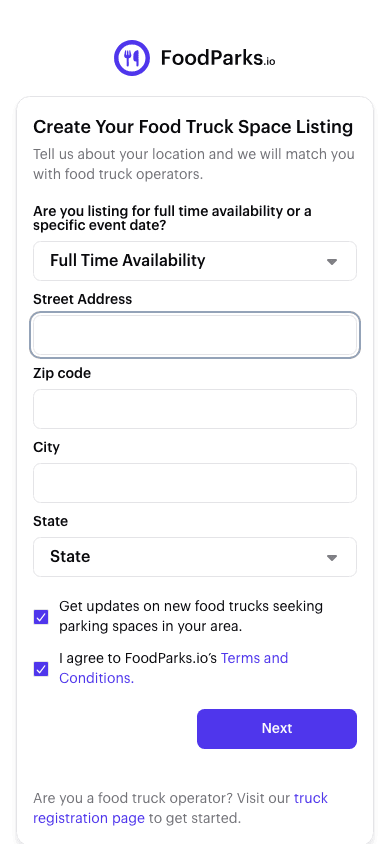
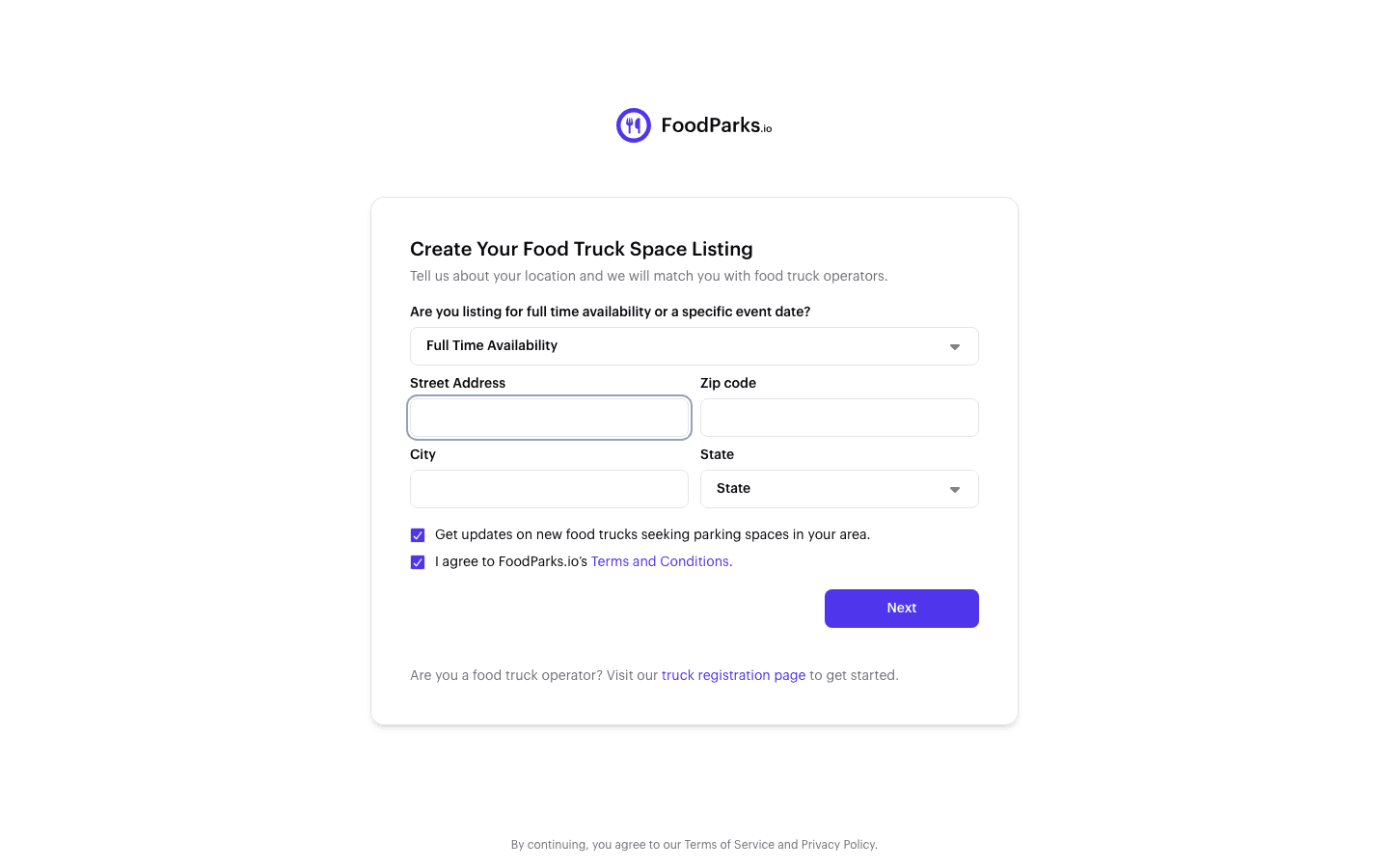
Step 1: Availability and address
- Availability — Full Time Availability for an ongoing spot, or Events & Catering for a temporary one. This choice changes what step 3 asks you for; the dates for a temporary listing are collected there, not here.
- Address — street, city, state, and ZIP. The address is what places your listing in the directory and on its city page.
Below those fields, two checkboxes come pre-ticked: agreeing to the Terms, and subscribing to the newsletter — untick the newsletter if you don't want it.
Step 2: Details
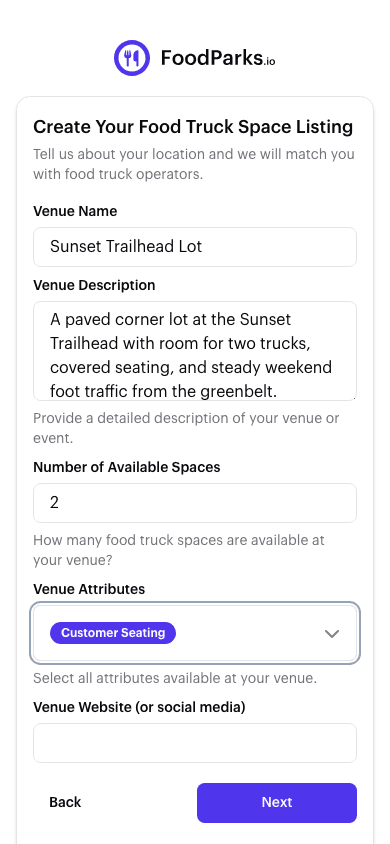
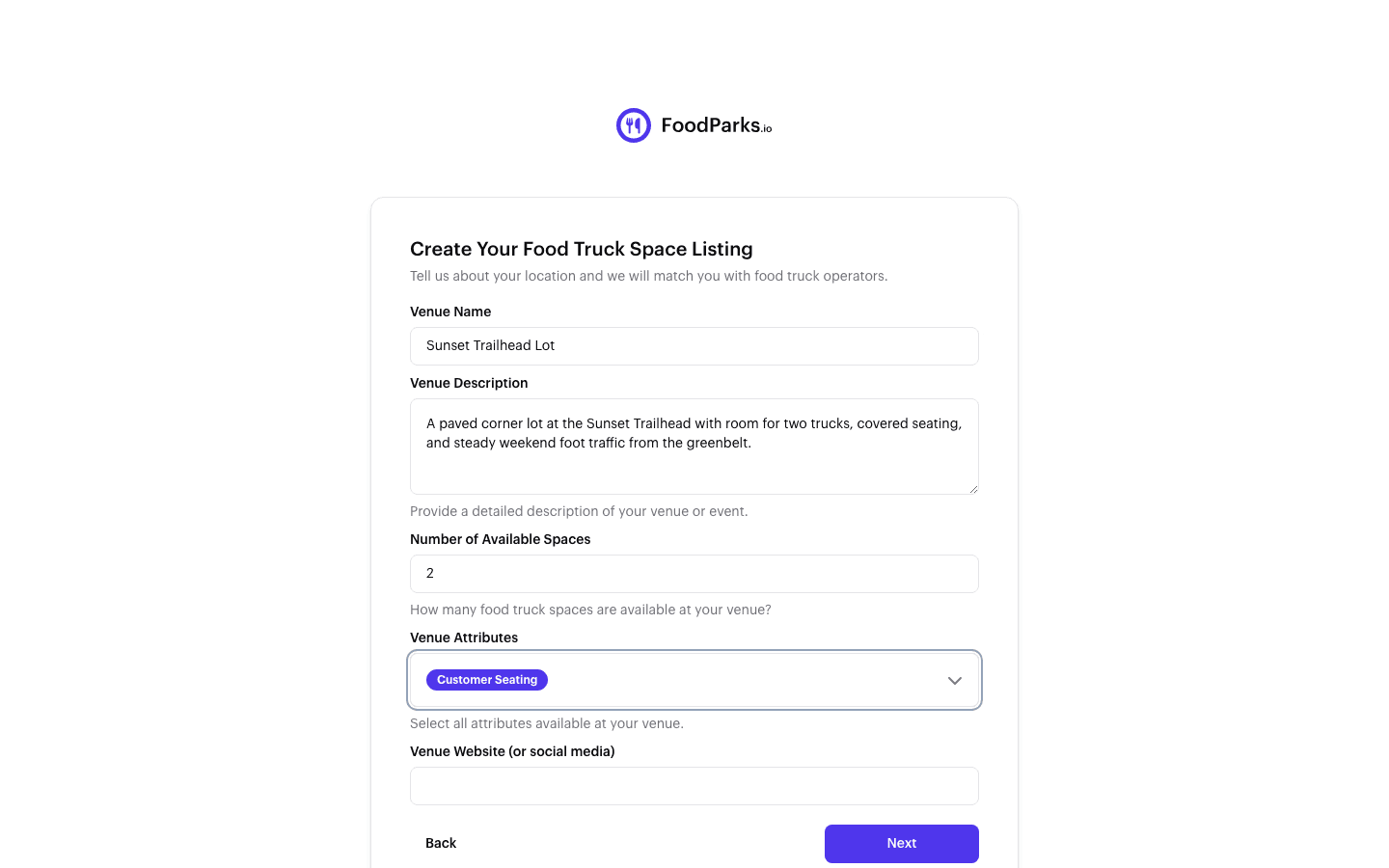
- Name and description — the first thing a truck operator reads. Say what the space is, what is around it, and what a truck can expect.
- Spaces — how many trucks the space can take.
- Tags — amenities on site, what is nearby, and when the foot traffic shows up. See Tags: amenities, nearby, and traffic.
- Venue Website (or social media) — optional. It is not shown on your public listing, only to the FoodParks team. See Managing location details.
Step 3: Photos, rent, and contact
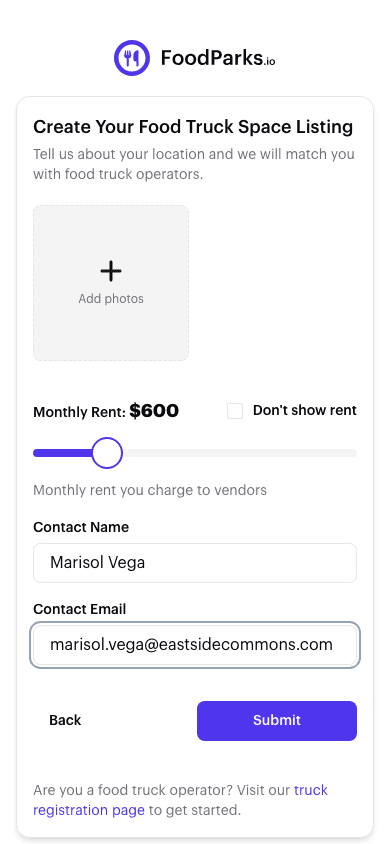
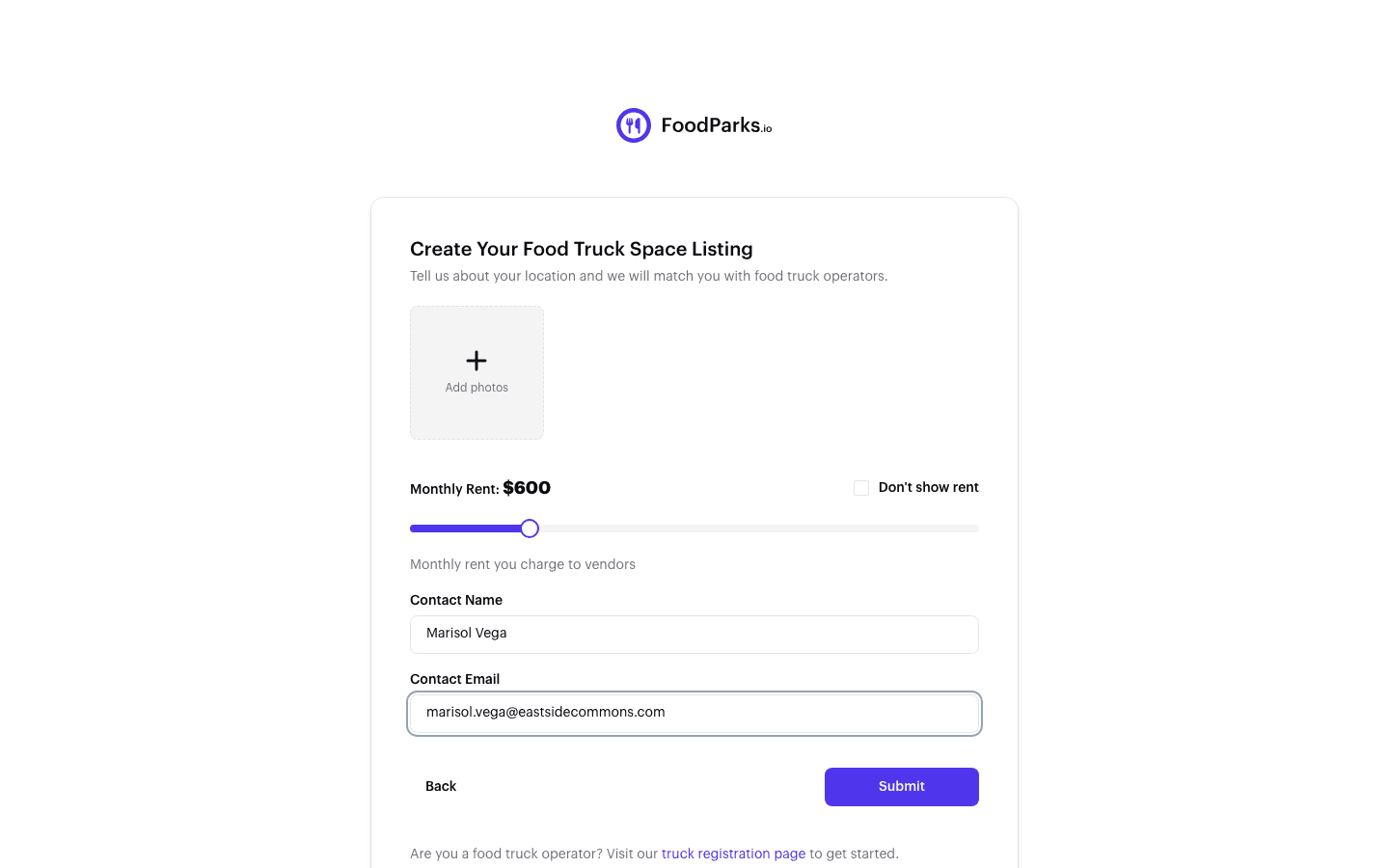
- Photos — see Adding photos to your listing.
- Monthly rent, or Event Date(s) — which one you get depends on the availability you picked in step 1. A full-time listing shows the rent slider, and you can hide the price and let operators inquire instead — see Pricing your space. An Events & Catering listing shows a date picker in the same place, for the start date and an end date if the event runs more than one day.
- Contact details — the name and email FoodParks uses to reach you about the listing.
After you submit
If you filled the form in signed out, FoodParks emails you a six-digit sign-in code first — enter it and you land on your new listing's dashboard.
A new listing starts as Pending. It is not live yet: the FoodParks.io team reviews it within 24 to 48 hours, and you get an email when it goes live. See Why is my listing "Pending"? and Listing statuses explained.
Everything on the listing can be changed after it is live — see Editing your listing.