Everything about your listing keeps changing after it goes live — you are never locked into what you first submitted. Updates happen right on FoodParks; there is no need to create a new listing.
Haven't created a listing yet? Start with Creating a listing.
Finding your listing's Listing page
Open the account menu (the button in the top right of the header) and choose Listing. If you are already viewing one of your own listings, its side menu has a Listing item too — the page itself is titled "Listing Details." If you own more than one listing, use the switcher at the top of that side menu to pick the one you want to edit; see Managing multiple trucks or listings.
You can make these changes anytime, whatever your listing's current status — while it is Pending review, once it is live, or if you have set it to Waitlist or Hidden yourself. See Listing statuses explained for what each status means and how to change it, and Why is my listing "Pending"? for what happens before a new listing first goes live.
What you can change here
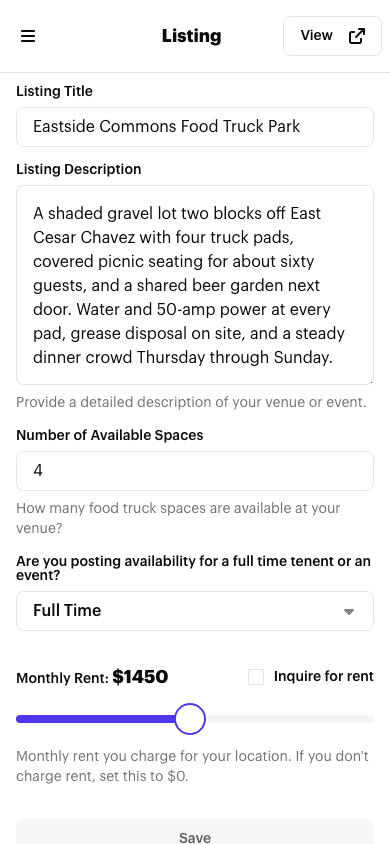
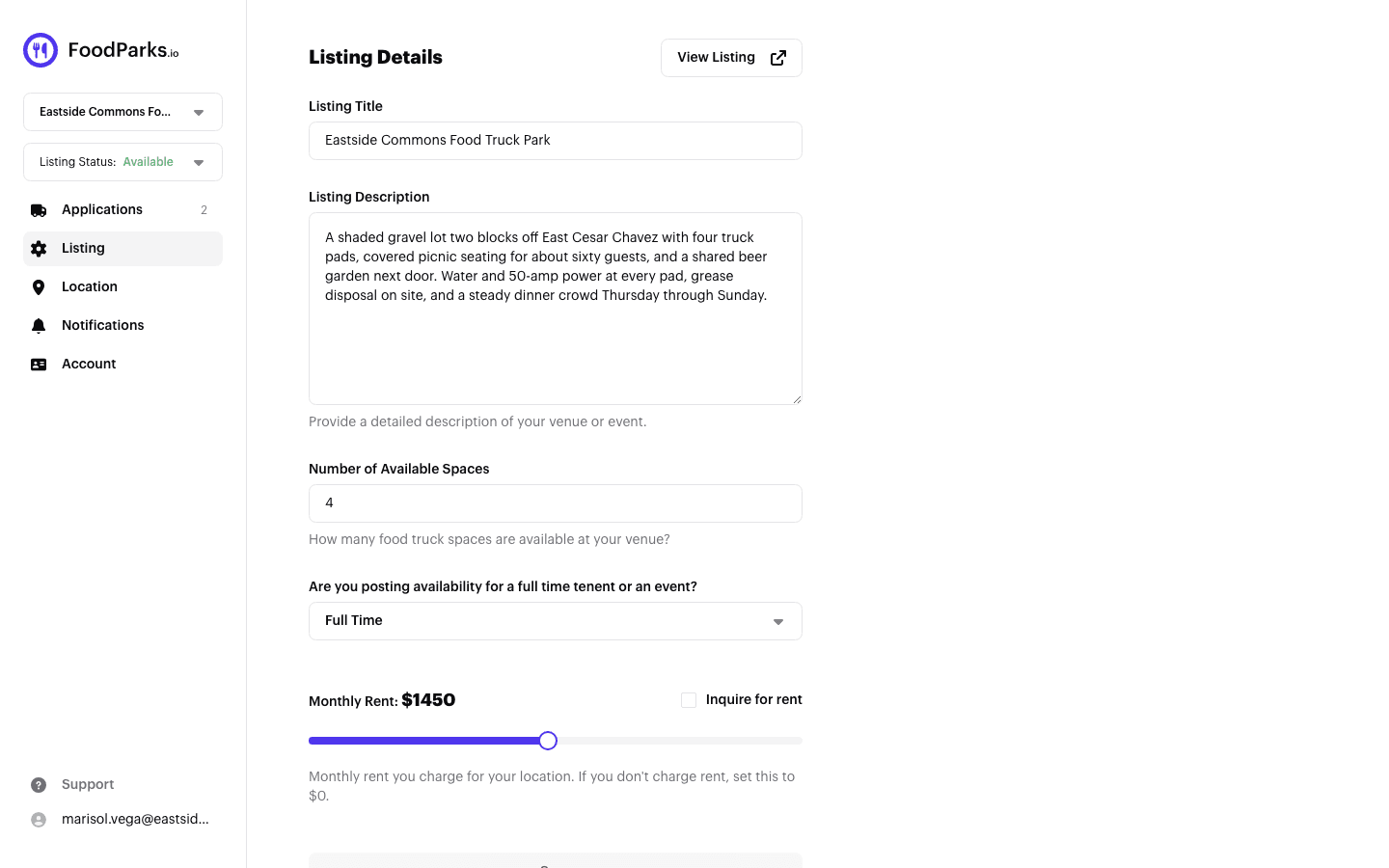
- Listing Title — the name shown across your listing.
- Listing Description — up to 1000 characters describing your venue or event.
- Number of Available Spaces — how many trucks the space can take, from 1 to 50.
- Full Time or Events & Catering — switching this changes what shows below it.
When your listing is Full Time, you set a Monthly Rent with a slider, or check "Inquire for rent" to hide the price and let operators ask you directly. See Pricing your space.
When your listing is Events & Catering, you set Event Date(s) instead of a price — a start date, and an end date if the event runs more than one day.
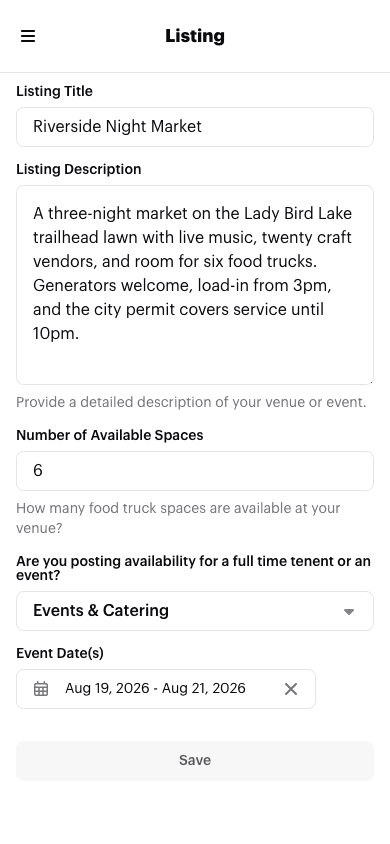
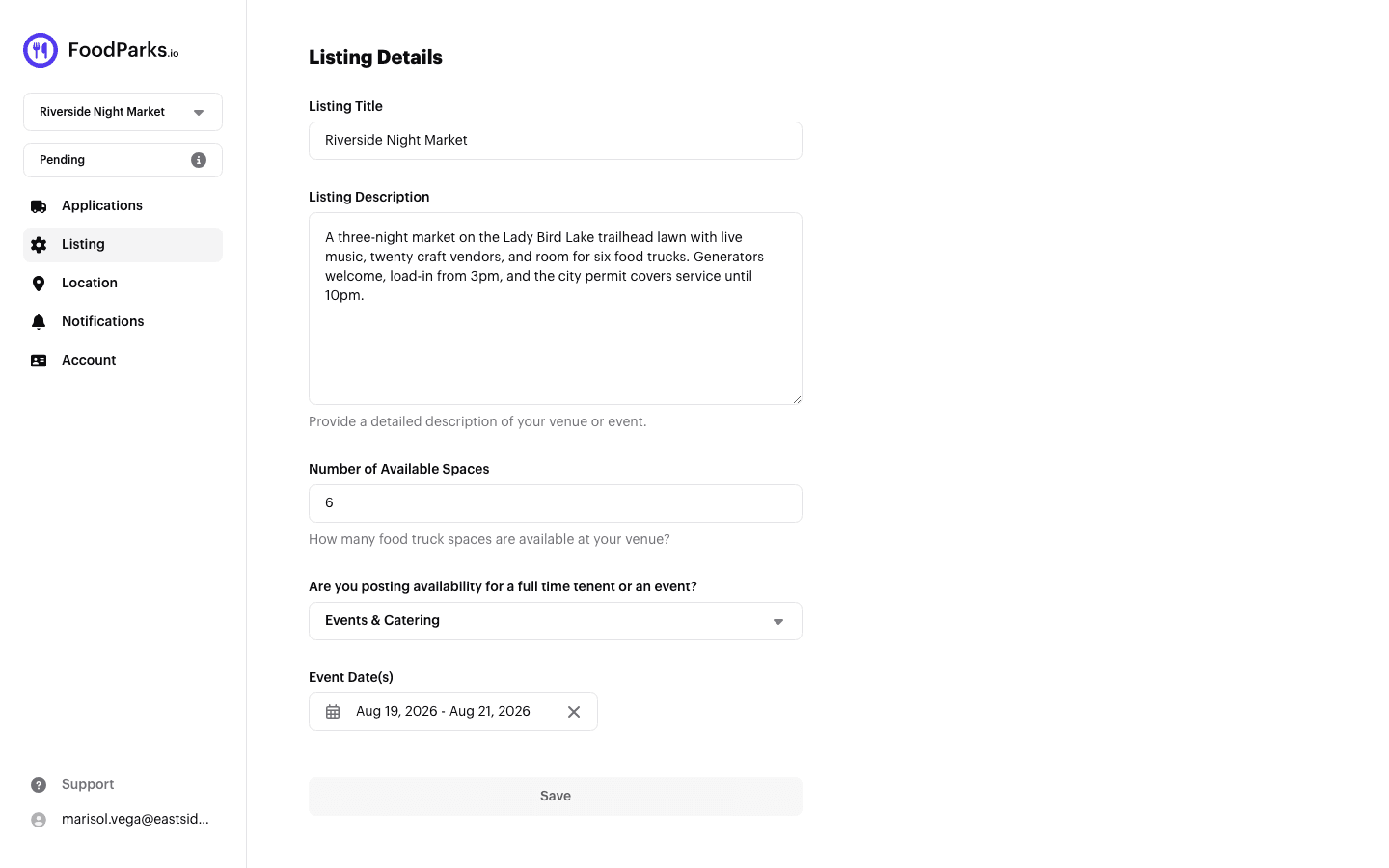
Save stays greyed out until you actually change something, then saves your update.
Other listing details live on other pages
This page does not cover everything about your listing. From the same side menu:
- Photos, tags, and address — your photo gallery, amenity tags, and street address live on the Location page, not here. See Managing location details, Adding photos to your listing, and Tags: amenities, nearby, and traffic.
- Status — switching between Available and Waitlist (or hiding your listing) is done from the status dropdown in your listing's side menu, not on this page. See Listing statuses explained.
- Contact name, email, and phone — these live on your listing's Account page. See Updating your name and contact email before you change the contact email there — changing it can hand the listing over to a different account entirely.