FoodParks.io doesn't have one single profile page for your whole account. Your name and contact email live on the Account page of each listing or truck you own, and that's where you edit them.
Finding your Account page
From anywhere on FoodParks, open the account menu (the button in the top right of the header) and choose Account — there's one entry per kind, and it opens your truck's Account page, or your first listing's. If you're already viewing one of your own listings or trucks, its side menu has an Account item too.
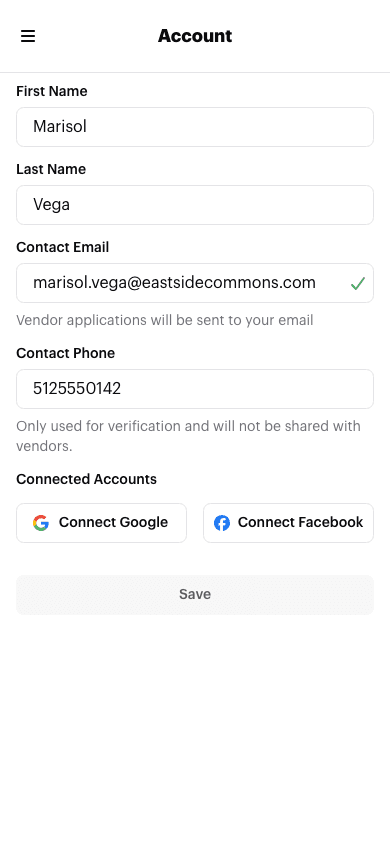
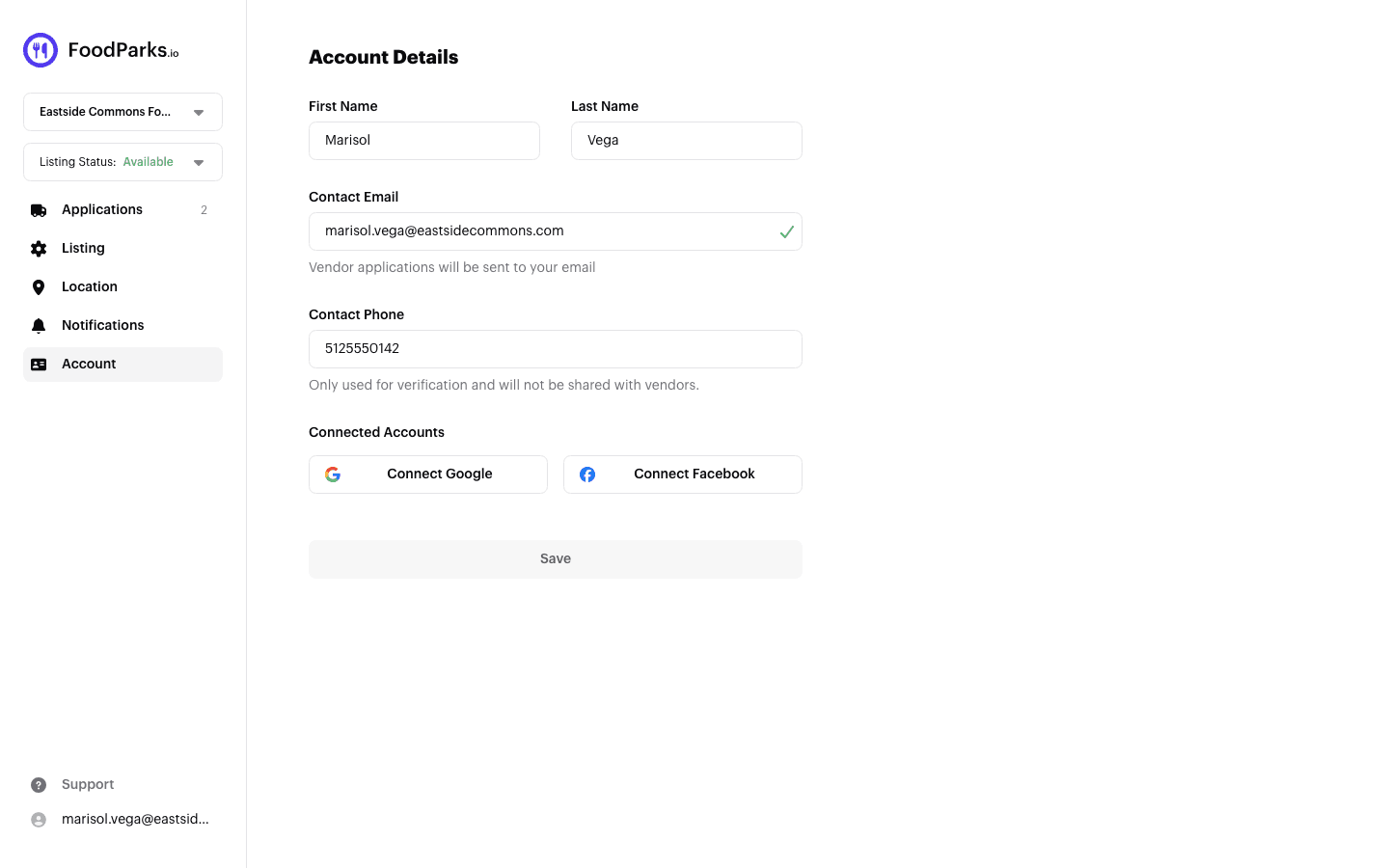
Truck operators get the same kind of page from their truck's Account item — it has no phone field, since a truck has no location of its own.
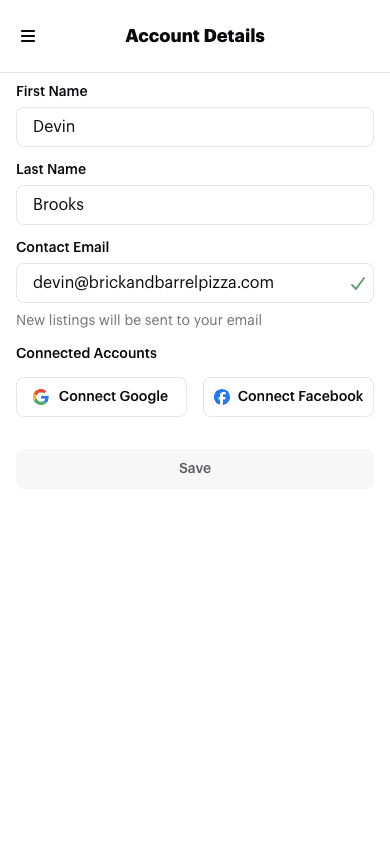
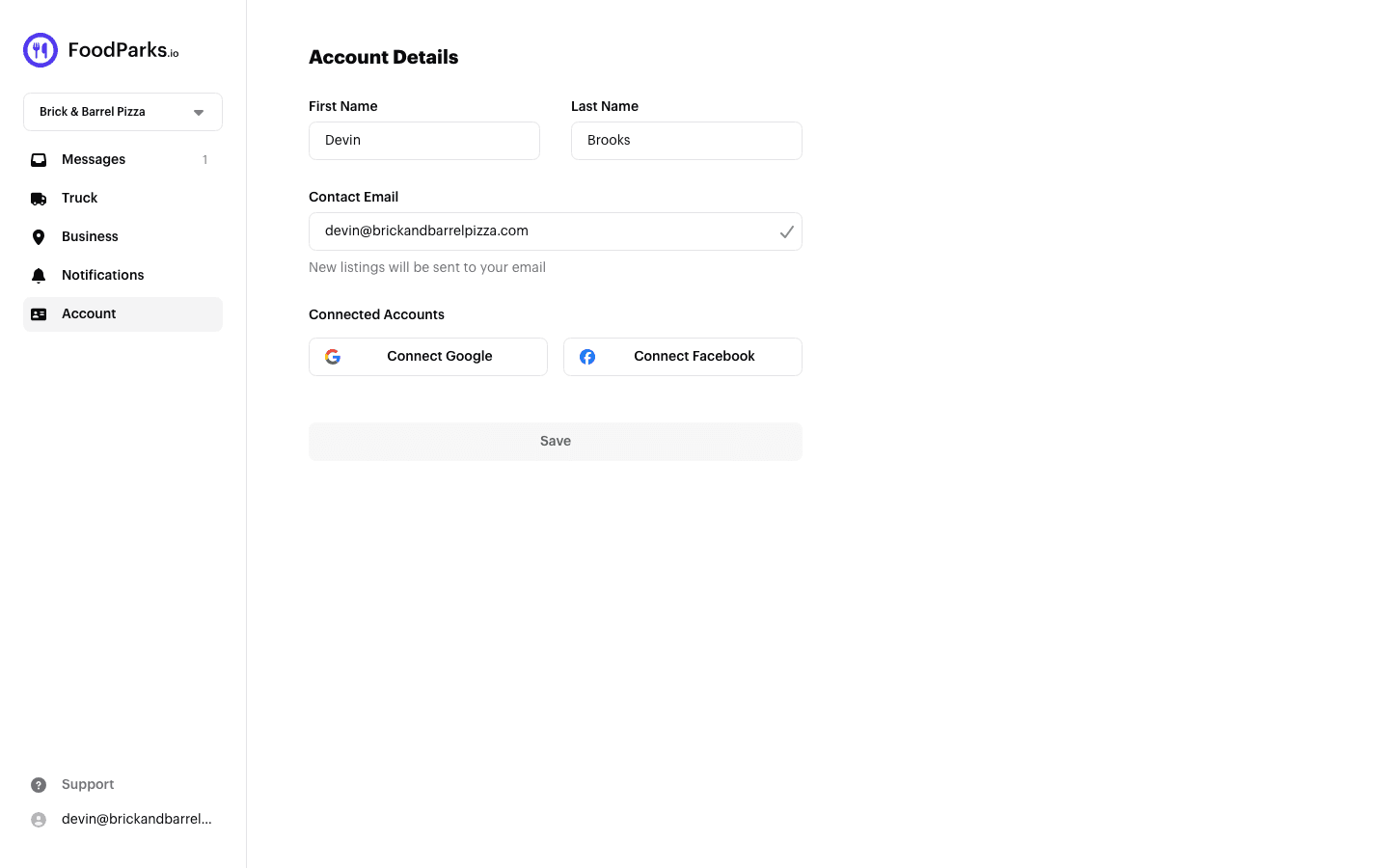
If you own more than one listing or truck, each one has its own Account page, and the account menu can't pick between them — switch to the one you want with the dashboard switcher first, then open its Account page. See Managing multiple trucks or listings.
What each field does
- First Name / Last Name — the name FoodParks shows for you, for example in message threads with applicants.
- Contact Email — for a listing, this is where truck operator applications get sent; for a truck, it's where new-listing alerts get sent.
- Contact Phone (listings only) — the form notes this is only used for verification and isn't shared with truck operators who apply.
What the verified checkmark means
A checkmark next to Contact Email means FoodParks has confirmed you control that inbox. Completing an email sign-in code earns it, and so does signing in with Google or Facebook when the address is already verified with that provider. See Signing in with an email code and Signing in with Google or Facebook. The checkmark reflects the address you last saved, so it stays as it is while a new address sits unsaved in the box, and only changes once you save.
A checkmark can also disappear. If a FoodParks email to that address bounces, or someone marks one as spam, the address loses its verified status and stops receiving FoodParks email along with it — see Not receiving notifications?.
Before you change this email
Typing a different address into Contact Email doesn't rename the address you sign in with. It hands this specific listing or truck over to whichever account uses that address — creating a new account for it if nobody has signed in with it before. Two things follow from that:
- Any other listings or trucks you own keep their existing contact email until you change each one individually — changing one doesn't change the rest.
- The email you sign in with (shown at the top of the account menu) doesn't change. To keep managing this listing or truck afterward, you'd sign in with the new address instead of your old one.
FoodParks doesn't have a way to rename the address you sign in with directly. If you sign in with Google or Facebook, see Signing in with Google or Facebook and Managing connected accounts.