FoodParks lets you sign in with Google or Facebook instead of an email code — see Signing in with Google or Facebook. The Connected Accounts section of your Account Details page shows which of those providers are linked to your FoodParks account.
Where to find it
Connected Accounts lives on the same Account Details page as your name and contact email — see Updating your name and contact email. You'll only see this page once you've listed a space or registered a truck: open the user menu in the header, or the sidebar next to your listing or truck, and select Account.
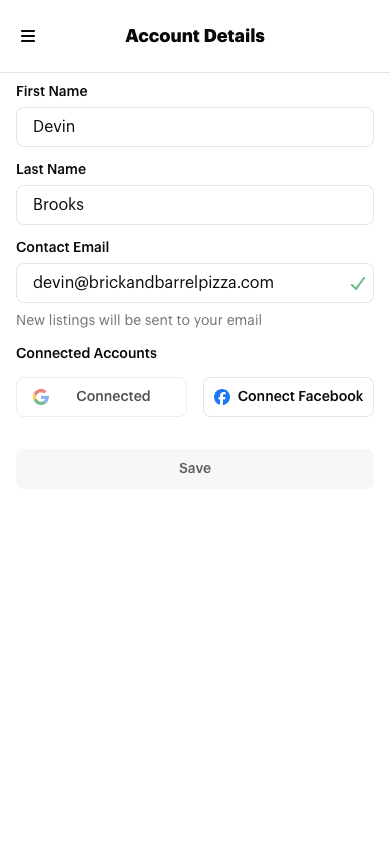
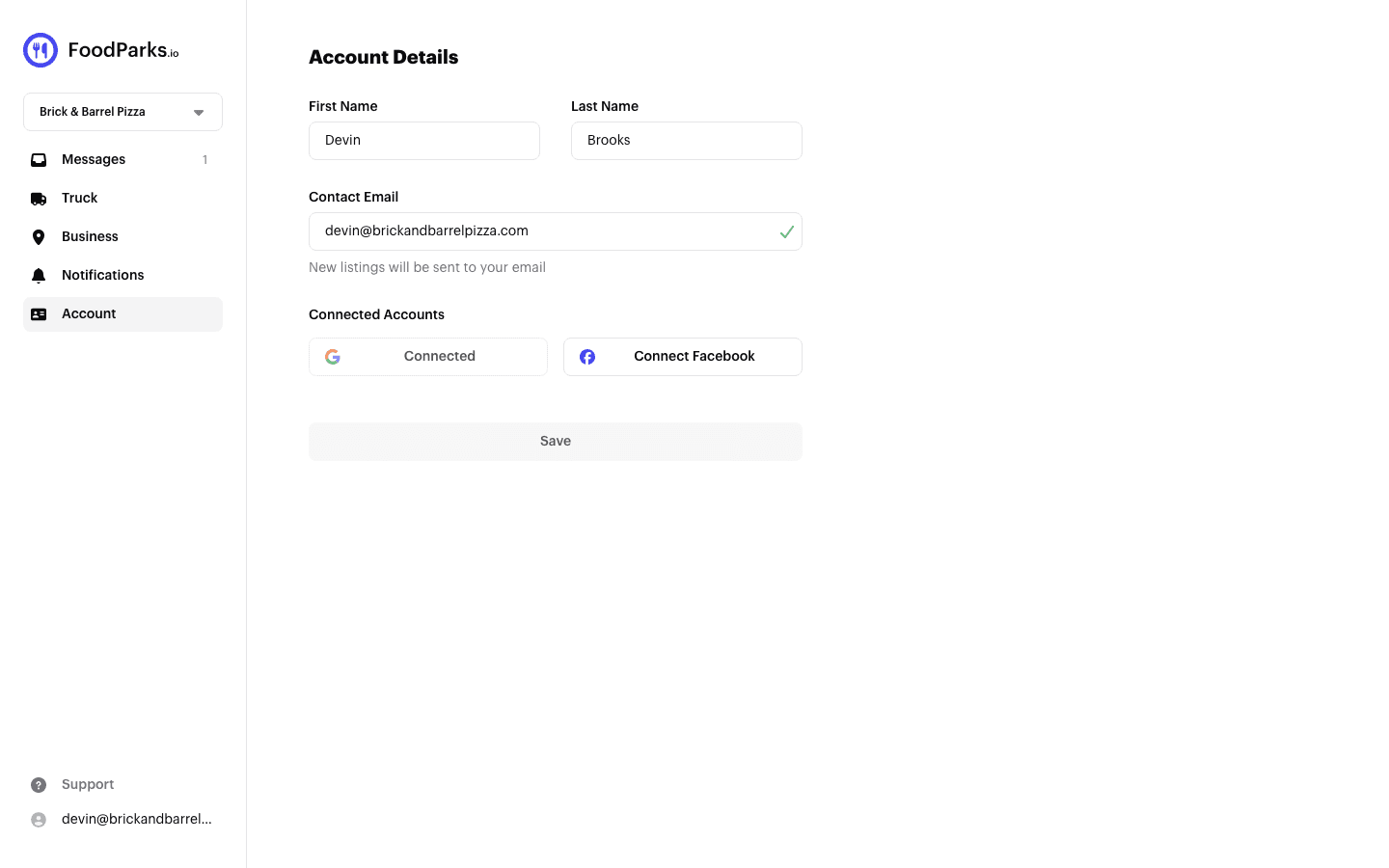
What it shows
One button per provider:
- Connect Google / Connect Facebook — this provider isn't linked yet. Select the button to sign in with that provider and link it to your FoodParks account. Linking works when that Google or Facebook account uses the same email address as your FoodParks account; one under a different address won't link.
- Connected — a disabled button confirming the provider is already linked. If you ever signed in with Google or Facebook using the same email address as your FoodParks account, FoodParks links it automatically — you may see Connected here without pressing anything yourself.
No option to disconnect
There's currently no button to remove a linked Google or Facebook account — once a provider shows Connected, it stays that way. Deleting your FoodParks account removes it along with everything else; see Deleting your account and data.