FoodParks.io has no passwords. You sign in with your email address, and FoodParks emails you a code.
How it works
-
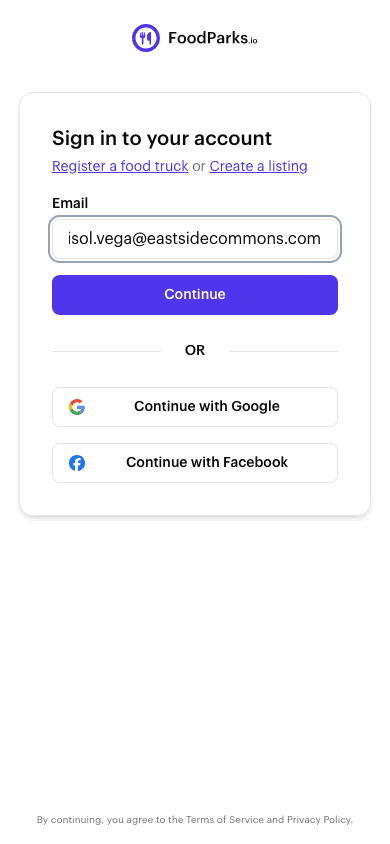
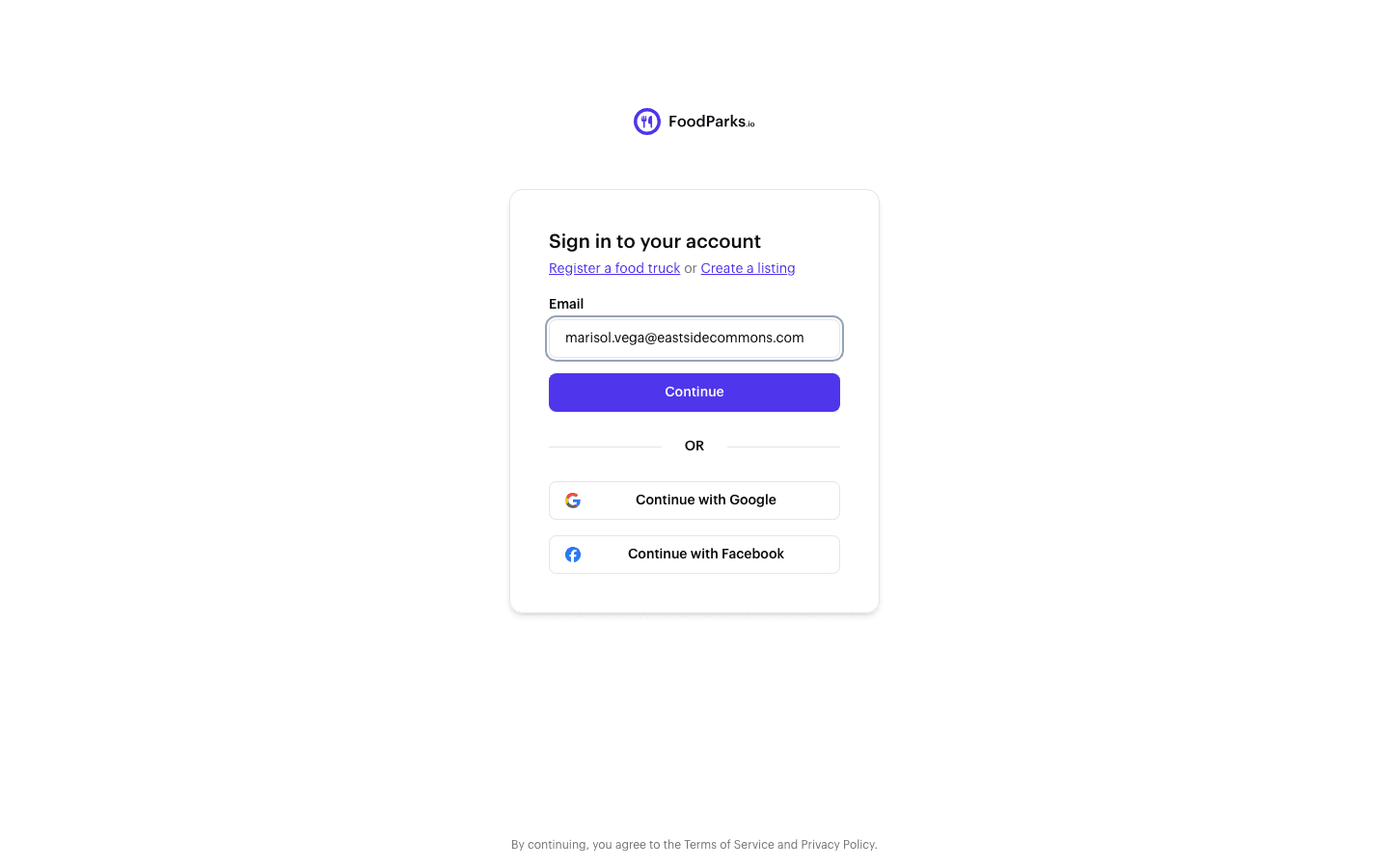
Enter your email address on the sign-in page and select Continue.
-
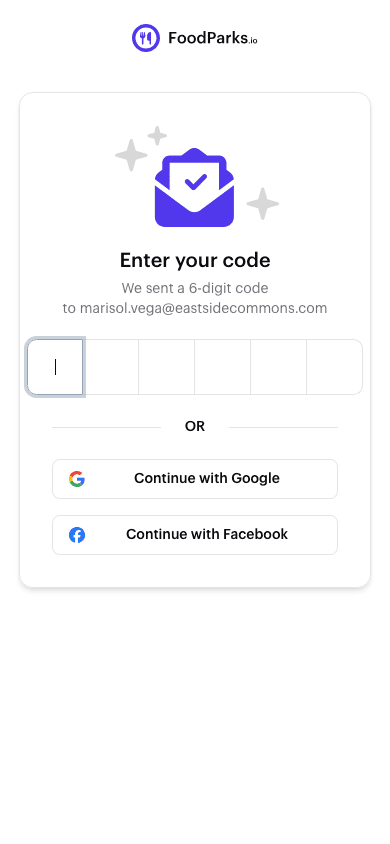
FoodParks emails you a six-digit verification code. The code is the first thing in the subject line, so you can usually read it without opening the email.
-
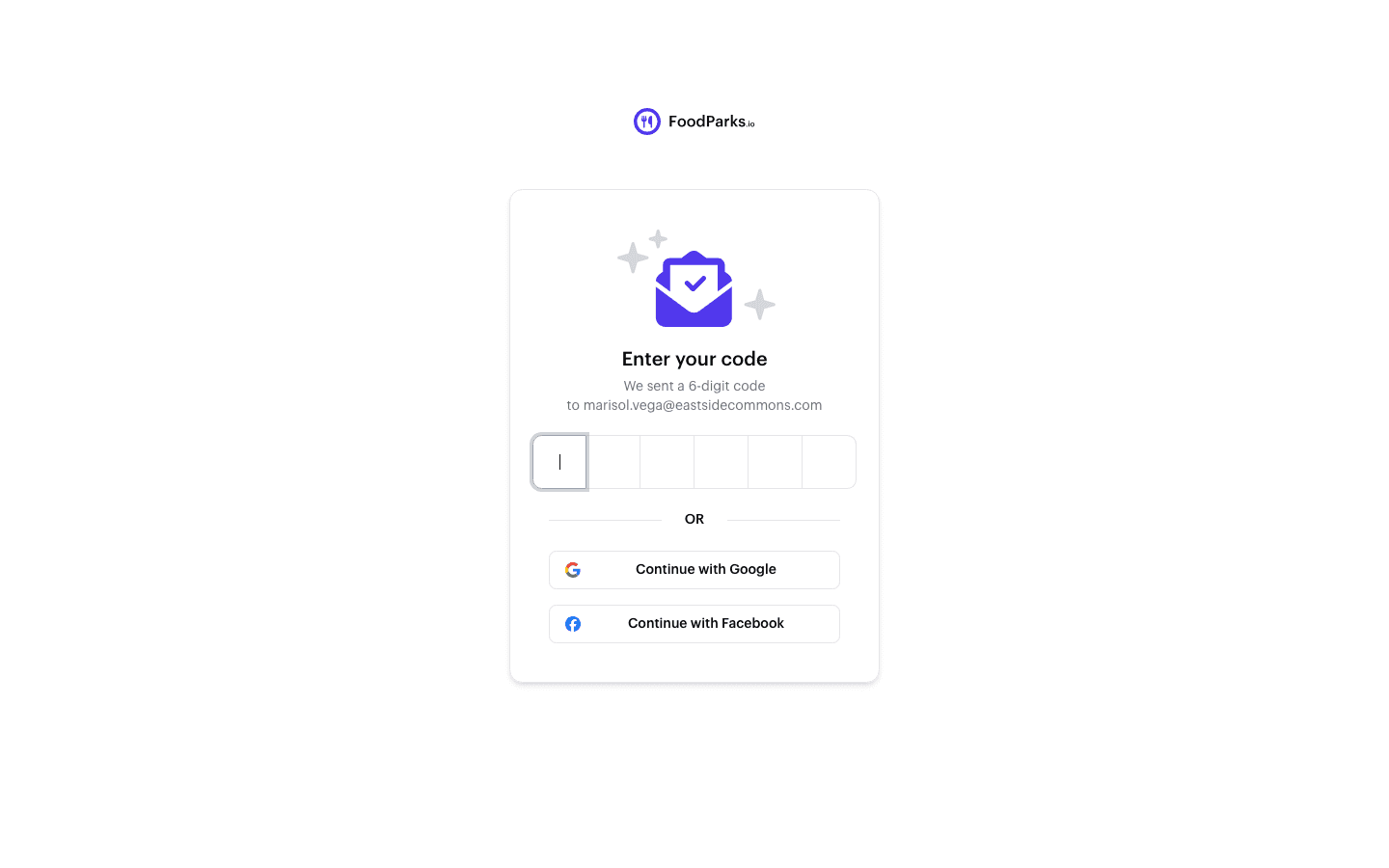
Type the code on the page that opens, or click the sign-in link in the same email. Either one signs you in.
A code expires a little over twelve minutes after it is sent. The email itself says ten minutes — that is the number to plan around, since a code used inside ten minutes always still works. Requesting a new code replaces the one before it. Once you are in, the browser stays signed in for 30 days unless you sign out.
Why there is no password
There is nothing to remember, nothing to reset, and nothing to leak. Access to your inbox is what proves the account is yours, so keep your contact email current — see Updating your name and contact email.
Other ways in
You can also sign in with Google or Facebook. See Signing in with Google or Facebook.
If the code never arrives, see Didn't get your sign-in code?.