FoodParks has no passwords. You can continue with your Google or Facebook account instead of an email code. See Signing in with an email code for how the code works.
How it works
-
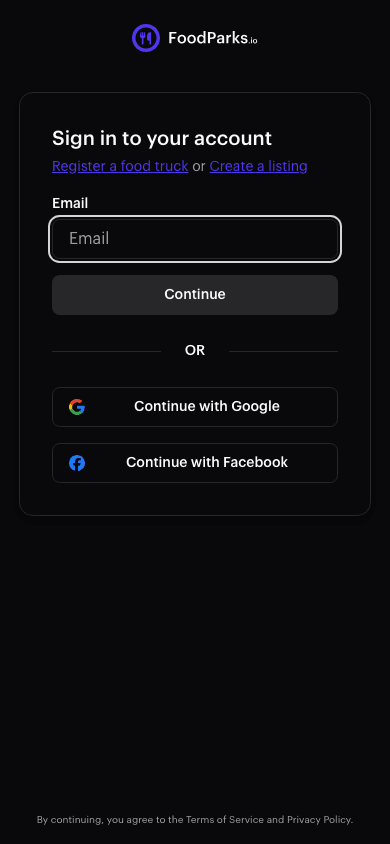
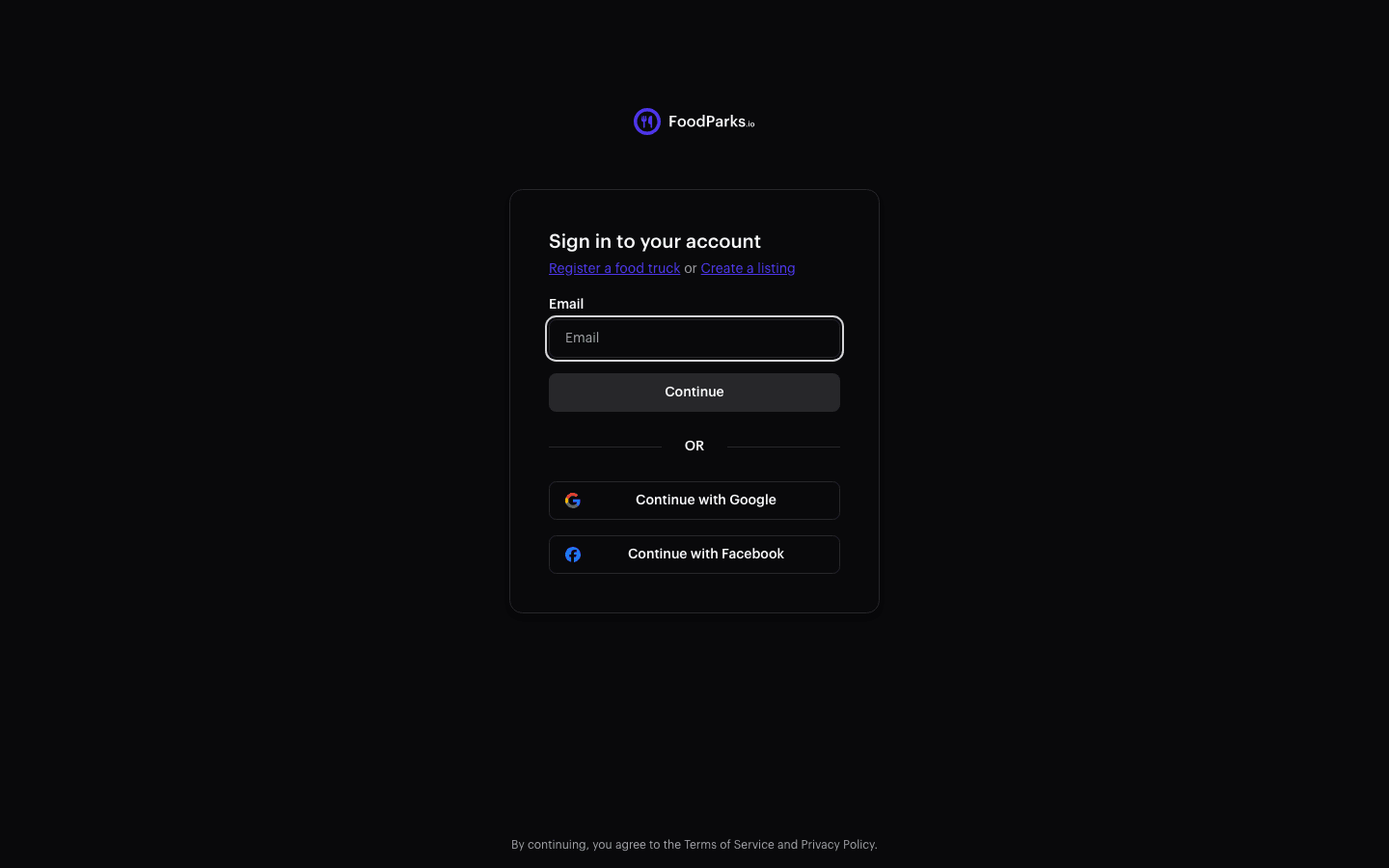
On the sign-in page, select Continue with Google or Continue with Facebook.
-
Sign in to that provider and approve the request. FoodParks brings you back signed in — and if this is the first time you've signed in at all, that also creates your account, the same way a first email code does. See Creating your account.
Accounts with the same email are linked automatically
If you already have a FoodParks account under the same email address — say, one you started with an email code, or one created automatically when you submitted a listing or truck form — continuing with Google or Facebook using that same address links to that existing account instead of creating a second one. There's no extra confirmation step: the moment the addresses match, it's the same account, with the same listings, trucks, and messages, whichever way you sign in from then on. It links this way even if you never finished signing in with a code the first time.
The addresses have to match. If your Google or Facebook account uses a different email address than your FoodParks account, signing in with it creates a separate, empty account instead of linking to yours. So if your listings, trucks, and messages all seem to be gone after a social sign-in, sign out and sign back in with your original email address — they're still on that account.
Managing your connected providers
If you own a listing or a truck, open the user menu in the header and choose Account to see which providers are connected. See Managing connected accounts.