FoodParks does not have a separate sign-up form. Your account is created the first time you sign in, or the first time you create a listing or register a truck.
Signing in for the first time
Go to Sign in and enter your email address. FoodParks emails you a six-digit code — type it in, or click the link in the same email, and you're in. There is no password to set or remember. See Signing in with an email code.
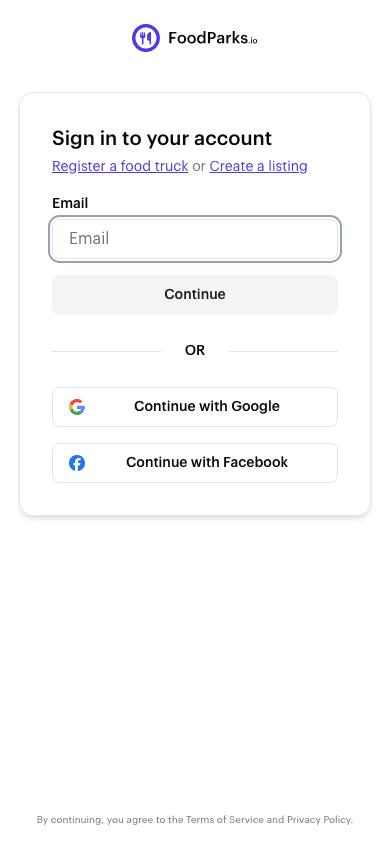
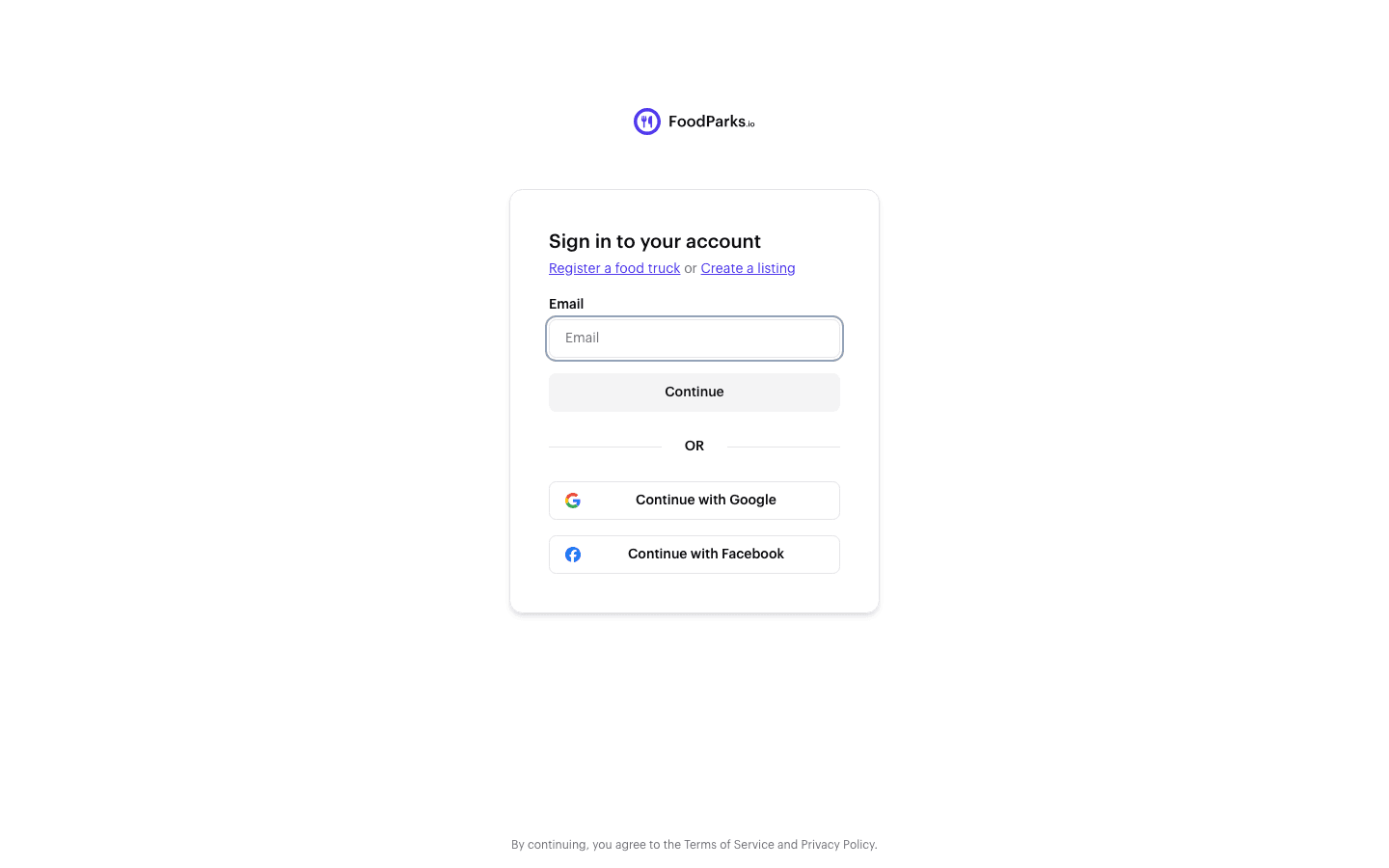
You can also continue with Google or Facebook instead of typing an email. See Signing in with Google or Facebook. Whichever you choose, the first time signs you up automatically — there's nothing to set up beforehand.
Creating a listing or truck without signing in first
You don't have to sign in before you open the listing form or register a truck — both forms just ask for your email address. If you want an overview before starting, visit List a Food Truck Space for Rent first. Submit either form, and FoodParks emails a code to that address the same way it does on the sign-in page. Enter it, and you land on your brand-new listing or truck with your account already created. See Listing your first space or event and Registering your food truck.
One account either way
However you start, it's the same account. See Space owner, truck operator, or both? for running listings and trucks from a single sign-in.