Good photos are the first thing a truck operator judges your space by, often before they read a word of your description.
Where your photo gallery lives
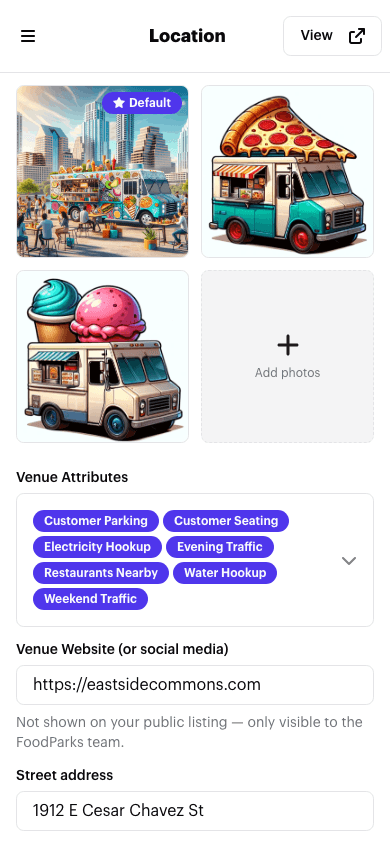
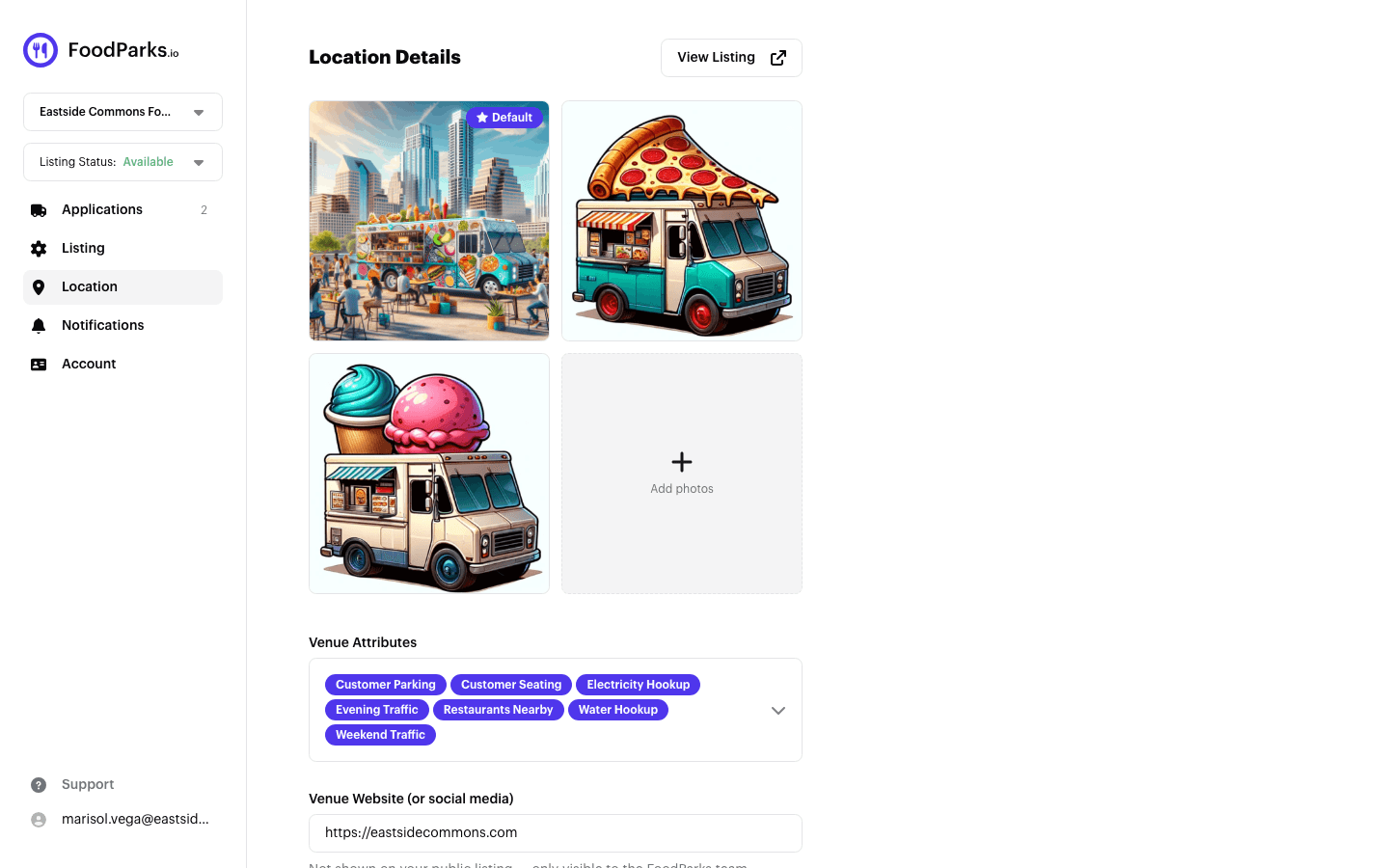
Photos live on your listing's Location page, alongside its address and tags — not on the Listing (edit) page. Open the account menu (the button in the top right of the header), choose Listing, then use the Location item in the side menu. See Editing your listing for what lives on each page, and Managing location details for the address and website fields on this same page.
You also add your first photos while creating a listing — see Creating a listing.
Uploading photos
Click Add photos, or drag image files onto the gallery. You can select more than one file at a time.
- Four formats are accepted: JPG, PNG, WebP, and HEIC — including HEIC photos straight from an iPhone, which are converted automatically. Anything else is refused.
- A listing needs at least 1 photo, and can have up to 10.
- Each file has to come in under 10 MB. Large photos are compressed automatically before they upload, but compression can't always bring a very large file under that limit.
If a photo fails to upload, an error message explains why so you can try again or pick a different file.
Reordering and your cover photo
Drag a photo by its grip handle to reorder the gallery — this works with a mouse or a touchscreen. The first photo in the gallery is marked Default: it's your listing's cover photo, shown as the thumbnail wherever your listing appears in search results, and it's the first photo in the carousel on your public listing page. The rest of the gallery follows in the order you set here.
To make a different photo the cover, hover it and choose Set as default — it moves to the front of the gallery and becomes the new thumbnail.
Removing a photo
Hover a photo and choose the trash icon to remove it. You always need to keep at least one photo, so the last one can't be removed — upload a replacement first if you want to swap it out.
Changing your gallery marks the page as having unsaved changes; Save applies it along with anything else you changed on this page.
Tips for photos that attract applicants
- Show the space itself — the pad or lot a truck would actually park in, not just the surrounding area.
- Daylight shots read as more inviting than photos taken at night or in low light.
- Include anything that helps a truck operator picture running there: seating, signage, nearby foot traffic, or a truck already parked there from a past event.
- Wide shots that show the whole space usually work better than close-ups.
Once your gallery looks the way you want, see Tags: amenities, nearby, and traffic for describing what's around your space.