Your listing's Location page holds its street address and website. Open it from your listing's side menu — the page itself is titled "Location Details". Photos and tags live on the same page too; see Adding photos to your listing and Tags: amenities, nearby, and traffic for those.
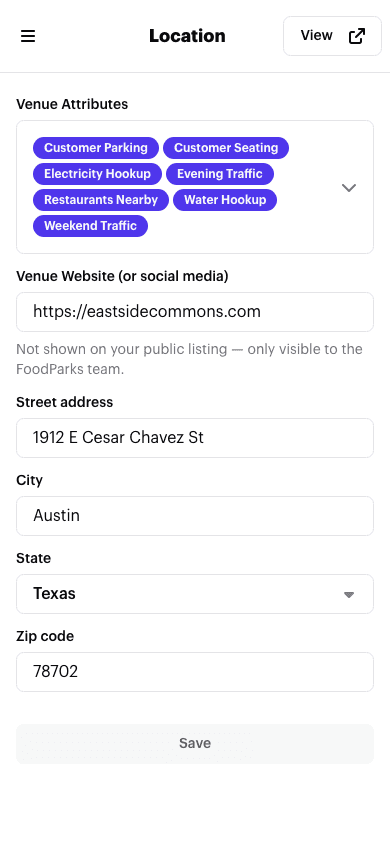
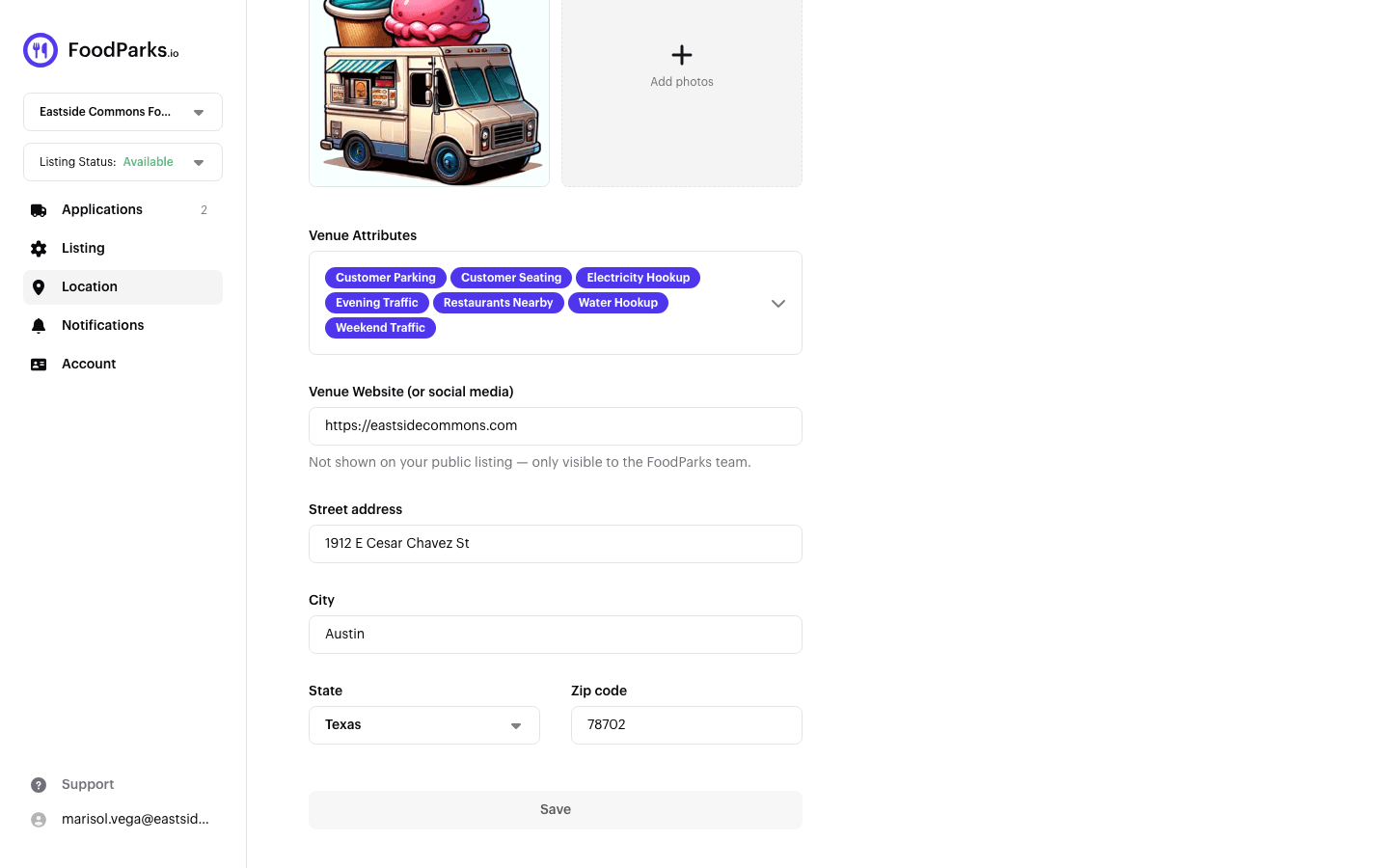
Address
Street, city, state, and ZIP are what put your listing in the directory, on its city page, and in "near you" search results for truck operators. When you change any part of the address and save, FoodParks looks up its map coordinates automatically — there's no separate pin to place yourself.
Those coordinates only work in one direction: they let truck operators search for spaces near them. There's no matching "trucks near me" search for space owners.
What's shown to the public
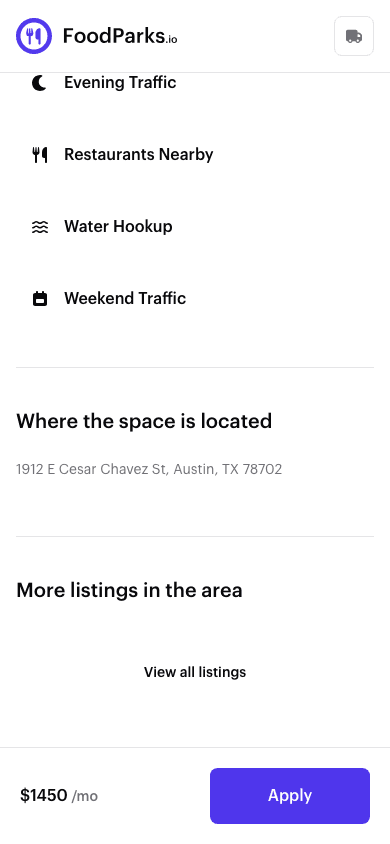
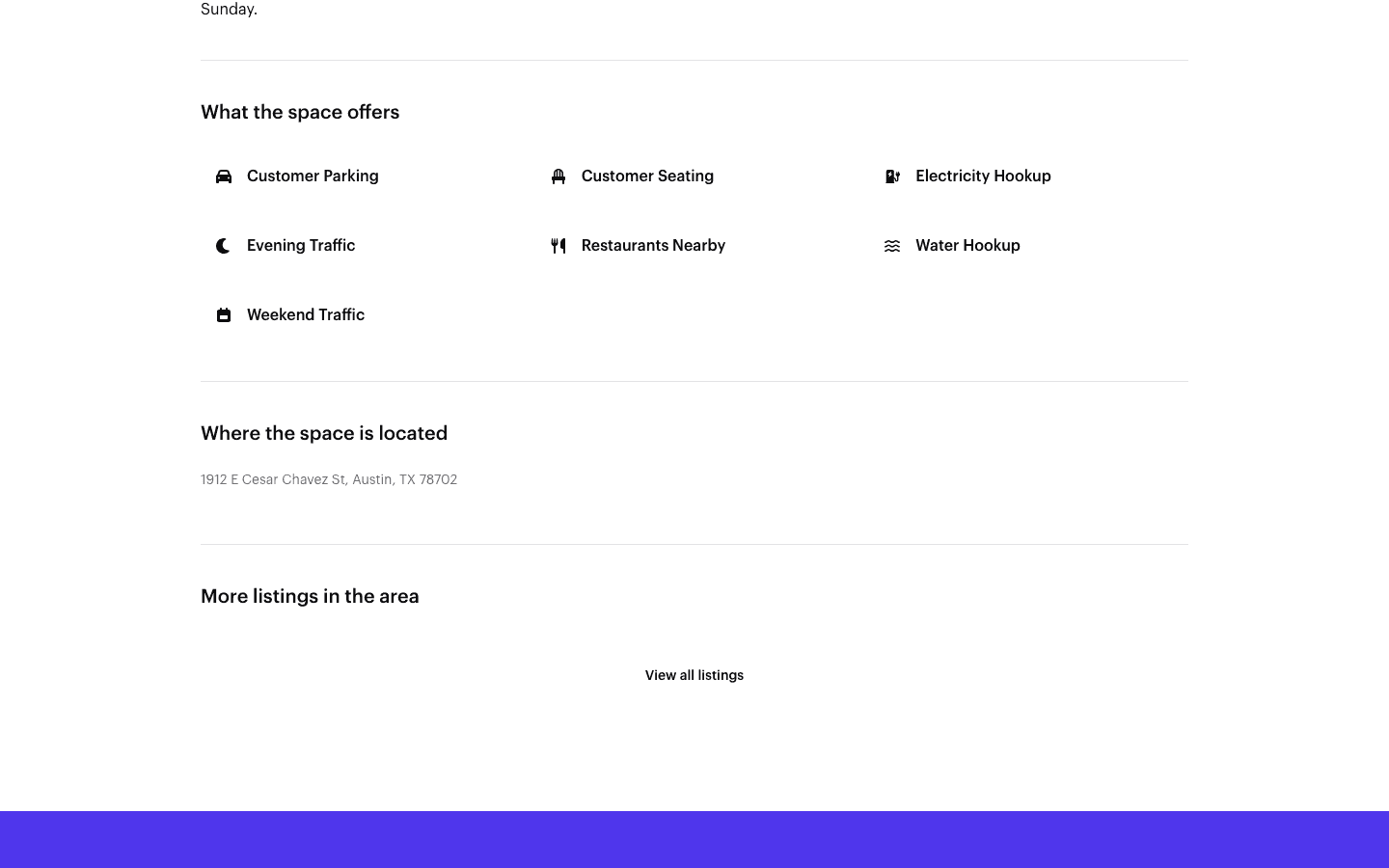
Once your listing is live (Available or Waitlist status), its full street address is public. It appears on the listing page itself, and in a truck operator's own application thread once they've applied. That's by design — a truck operator needs to know exactly where a space is before they apply. Listing cards in the locations directory are the exception: a card shows the city, state, and price, and a truck operator reads the street address after opening the listing. See Listing statuses explained for which statuses are public and which aren't.
Your Venue Website (or social media) field is saved with your listing but isn't displayed on your public listing. It's only seen by the FoodParks.io team, who look at it when your listing is submitted for review. The same field is on the create-listing form — see Creating a listing.
Phone number
Your listing's contact phone number isn't set on this page — it lives on the Account page, alongside your contact name and email. It's used only for FoodParks to verify you; it isn't displayed to truck operators who apply. See Updating your name and contact email.
Start and end dates for temporary events
A temporary listing (Events & Catering, set on the Listing Details page) has a start date, and an end date if the event runs more than one day. Once live, those dates show on the public listing page so truck operators know exactly when the event runs. See Editing your listing to set or change them.