Your truck profile is what a space owner reads when you apply to their listing. A complete profile is the difference between being approved and being skipped.
Business details
On the Business page you set:
- Business Name — the name customers know you by.
- Description — the website's forms have no separate cuisine field, so put it here: what you cook, your hours, how long you have been in business, and what makes you worth a spot.
- Home city and state — where your truck is based.
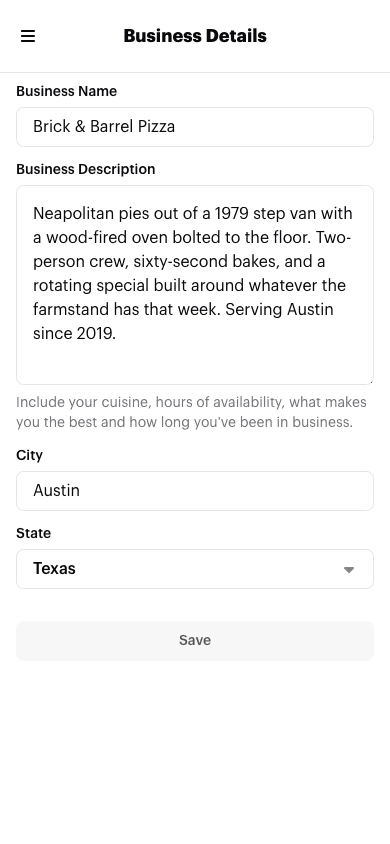
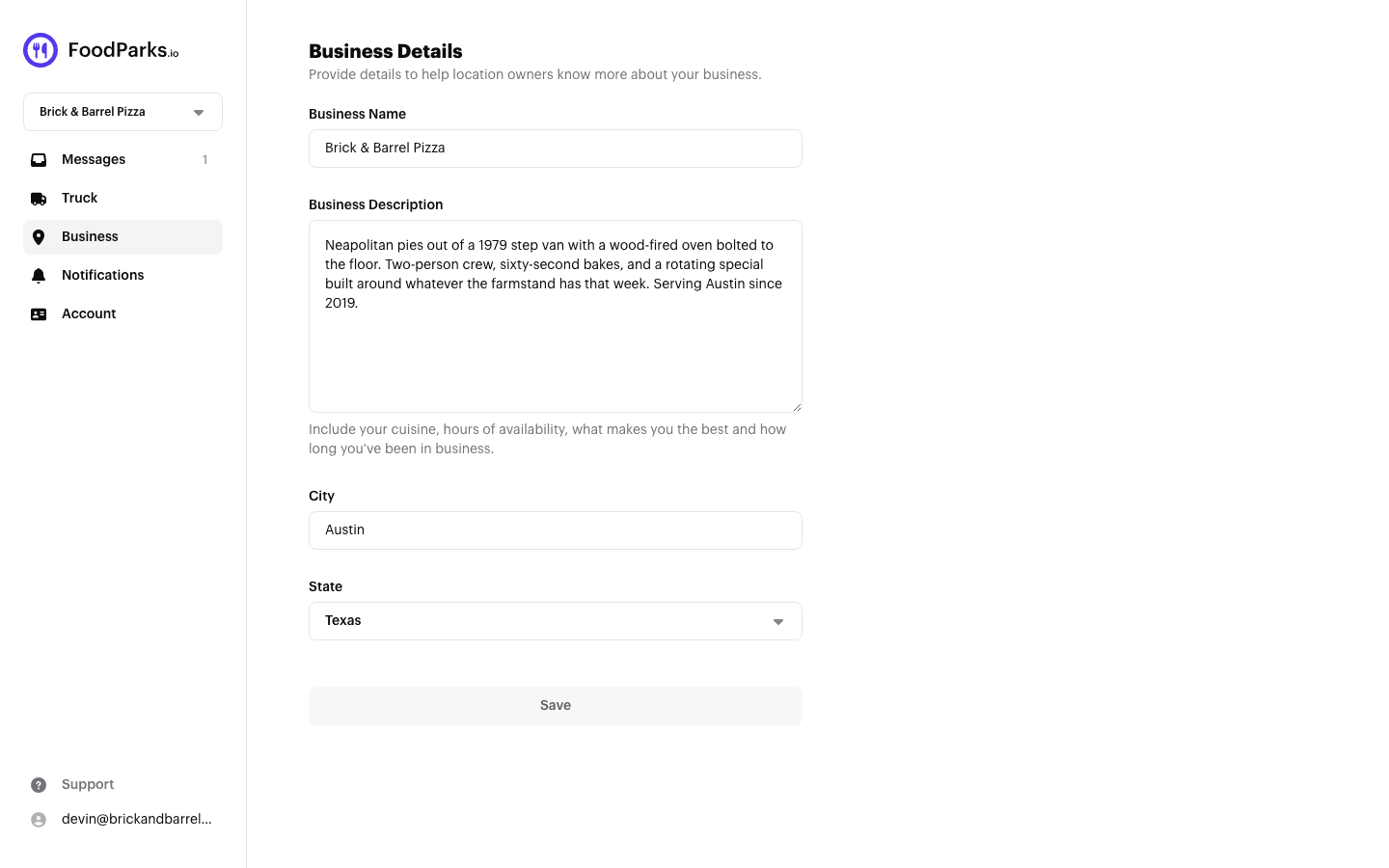
See Setting your business details.
Photos and dimensions
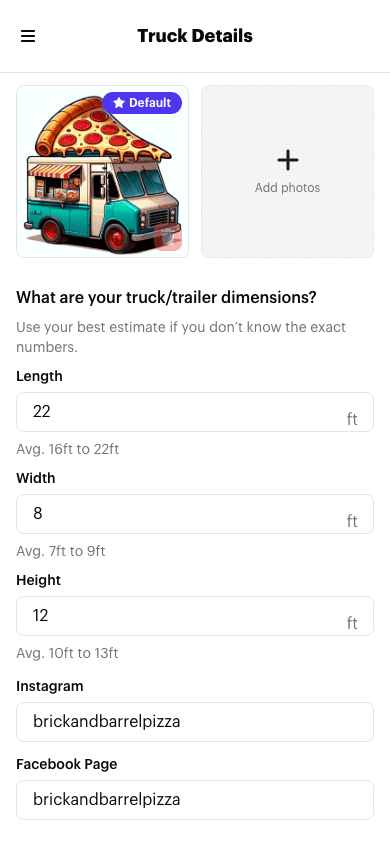
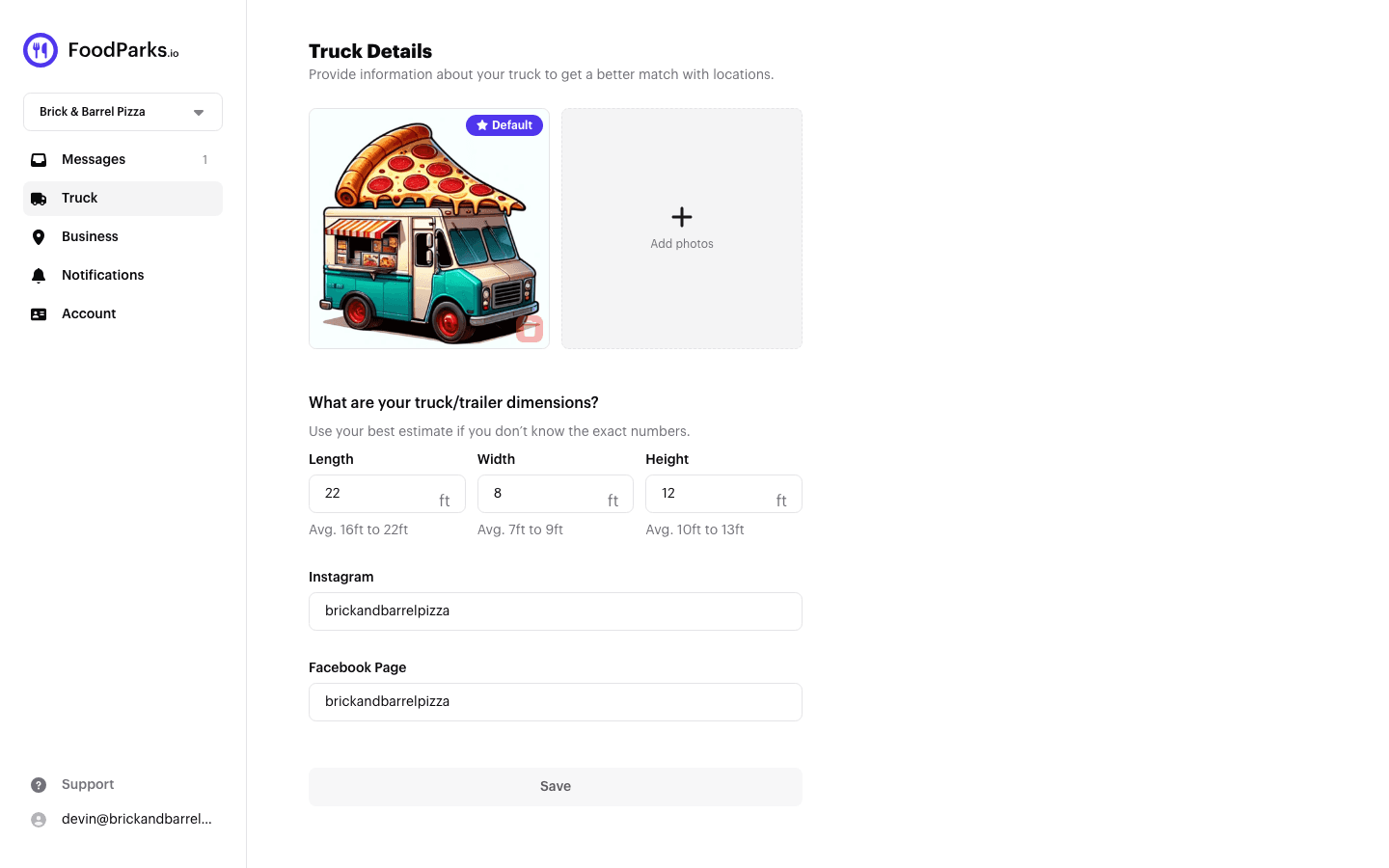
On the Truck page you set:
- Photos — see Adding photos of your truck.
- Dimensions — length, width, and height. Space owners use these to know whether you fit.
- Instagram and Facebook — optional, and the fastest way for an owner to see that you are a real, working truck.
Then apply
With a profile in place you can apply to any listing that is accepting applications. See Applying to a space.