Your truck's Business page holds four fields: name, description, city, and state. Open your truck dashboard's side menu and choose Business — it sits between Truck and Notifications.
What each field does
- Business Name — the name customers and space owners see.
- Business Description — the website's forms have no separate cuisine field, so put what you cook here, along with your hours and how long you've been in business. See Completing your truck profile.
- City — the city your truck is based out of.
- State — the state your truck is based in, picked from a dropdown.
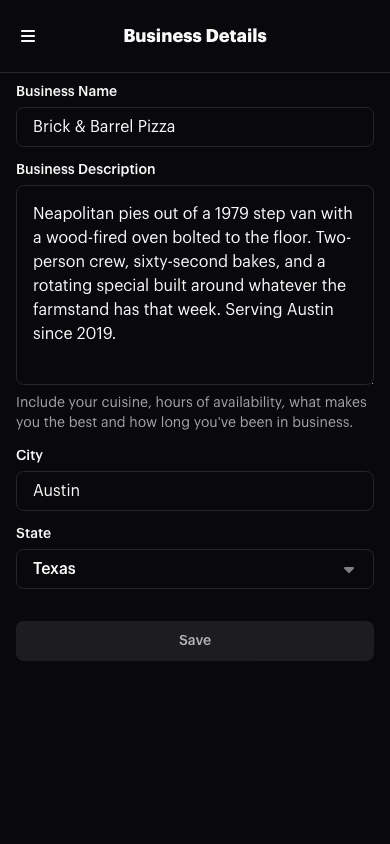
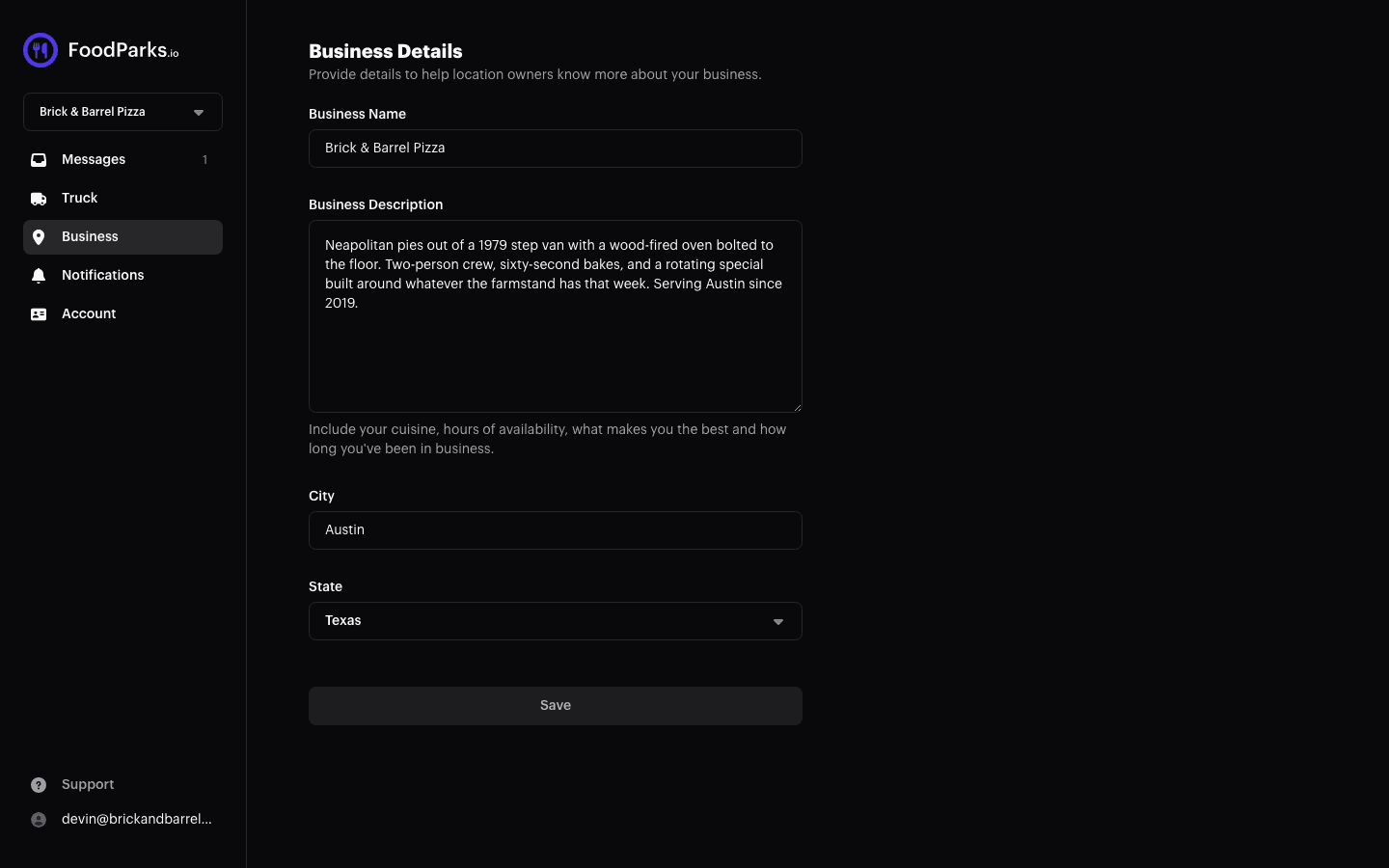
Save stays disabled until you change something on this page, then saves name, description, city, and state together in one update.
There's no field here for the Events & Catering / Food Parks choice ("What are you looking for?"). That one is asked once, on the website's truck registration form — see Registering your food truck — and there's nowhere to change it afterward.
What city and state are — and aren't — for
City and state don't appear on the panel a space owner sees when reviewing your application — that panel shows your photos, name, Instagram and Facebook, description, and dimensions instead. See Completing your truck profile for what a space owner actually sees.
Keeping your state accurate still matters for two things:
- FoodParks uses it to decide which active listings to feature in your weekly "New listings available near you" email. See Emails FoodParks sends.
- If you ever mark your truck for sale, its city and state appear publicly on the Food Trucks For Sale page, alongside its photo, name, description, and asking price. See How to sell your food truck.
Not the Account page
The Business page has no field for your contact email. That lives on the separate Account page, where changing it does something more significant than editing contact info — it hands the truck over to whichever account uses that new address. See Updating your name and contact email.