Every application you send has a status: Pending, Approved, or Rejected. The space owner changes it, and a FoodParks admin can too — see Approving or rejecting an application for how they do that. It can move between all three at any time, so a status is never the final word until you actually see it change.
The three statuses
- Pending — Where every application starts. The owner has not decided yet, or has put it back to think it over.
- Approved — The owner has marked you a good fit for their space. It does not unlock anything new — you could already message them and they could already look over your profile while you were Pending — it is simply their "yes."
- Rejected — The owner has marked you as not a fit right now, and closes the conversation. See what changes below.
Where you see your status
Open your truck's Messages in the sidebar — every space you have applied to is a row there, with the same conversation you send messages in. See Your messages inbox for how that list works. A decided application also gets a colored label next to it there — green for Approved, red for Rejected — and it shows at any screen size, phone included. On the website a Pending application shows no label at all, on any screen, since there is nothing to report yet. The FoodParks app works differently: every application row there carries a status chip, Pending included, and it words decisions as Accepted and Declined.
On the website, opening the conversation itself does not show a status label anywhere in the thread — the main thing that visibly changes there is what happens once you are rejected. The app keeps a status chip pinned in the thread instead.
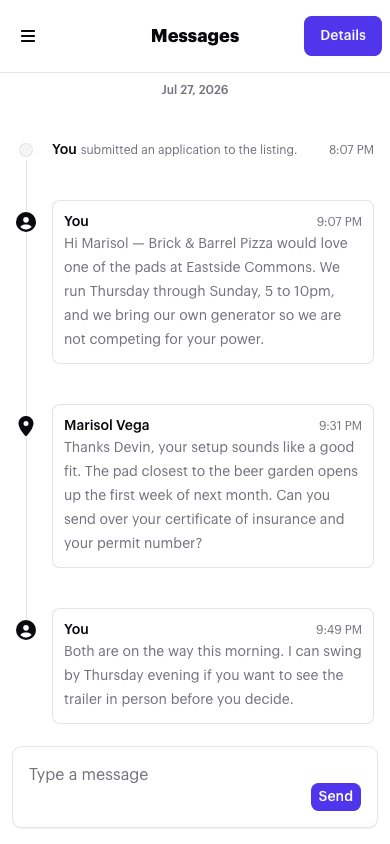
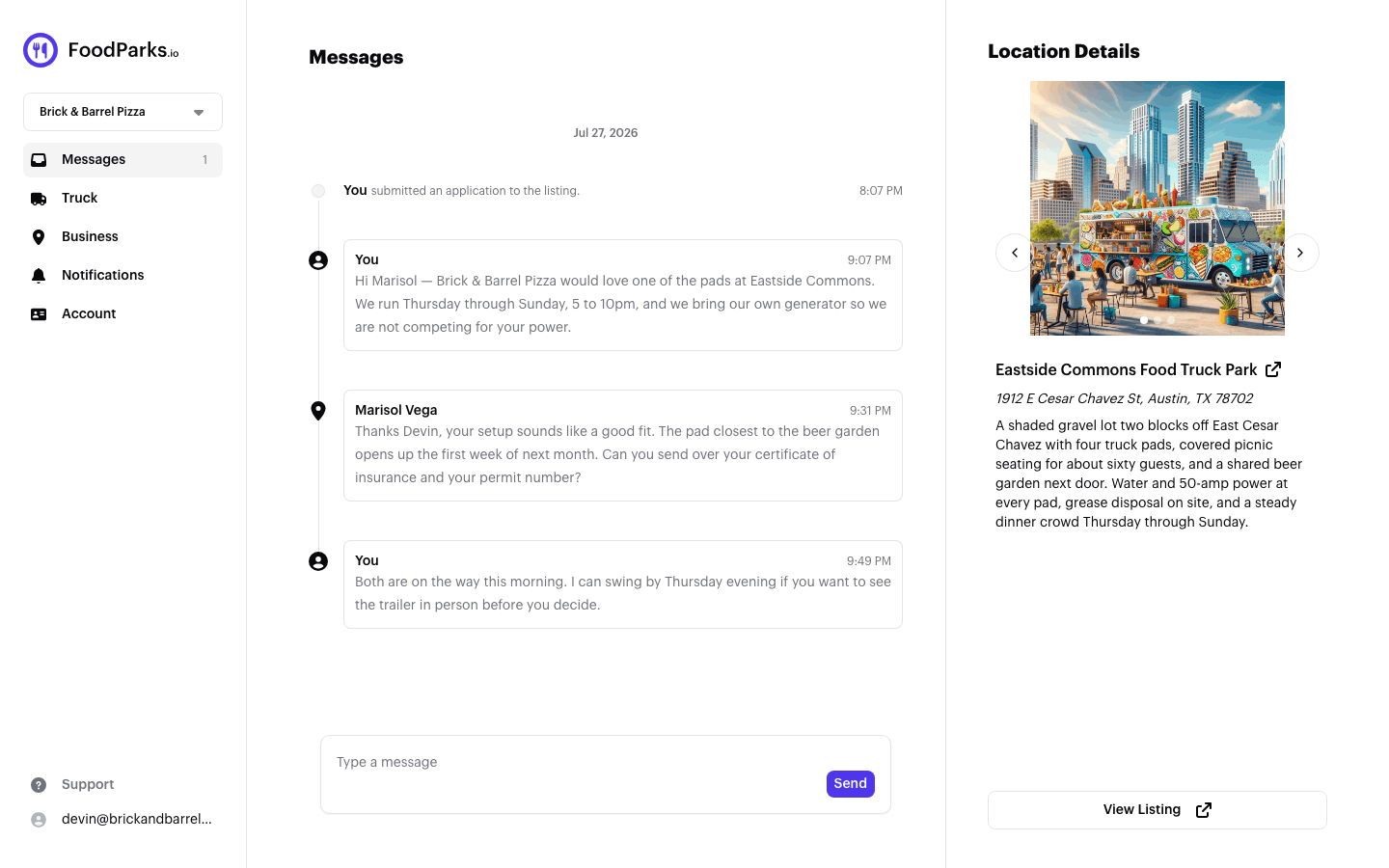
While you are Pending or Approved, the conversation works the same either way: type a message and send it, same as any other thread.
Once you're rejected
A Rejected application closes the conversation on your side. On the website, the message box is replaced with "Application has been rejected," and you cannot send a new message in that thread; in the app the box stays where it is, and a send you try there fails with an error instead. The space owner's own message box closes too, even though rejecting only formally cuts off your side.
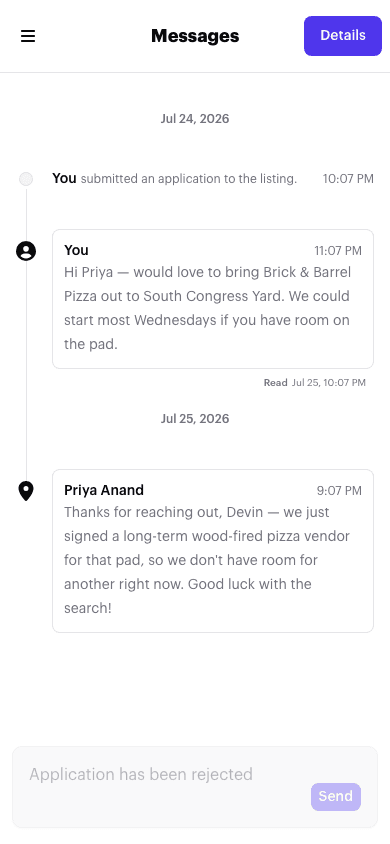
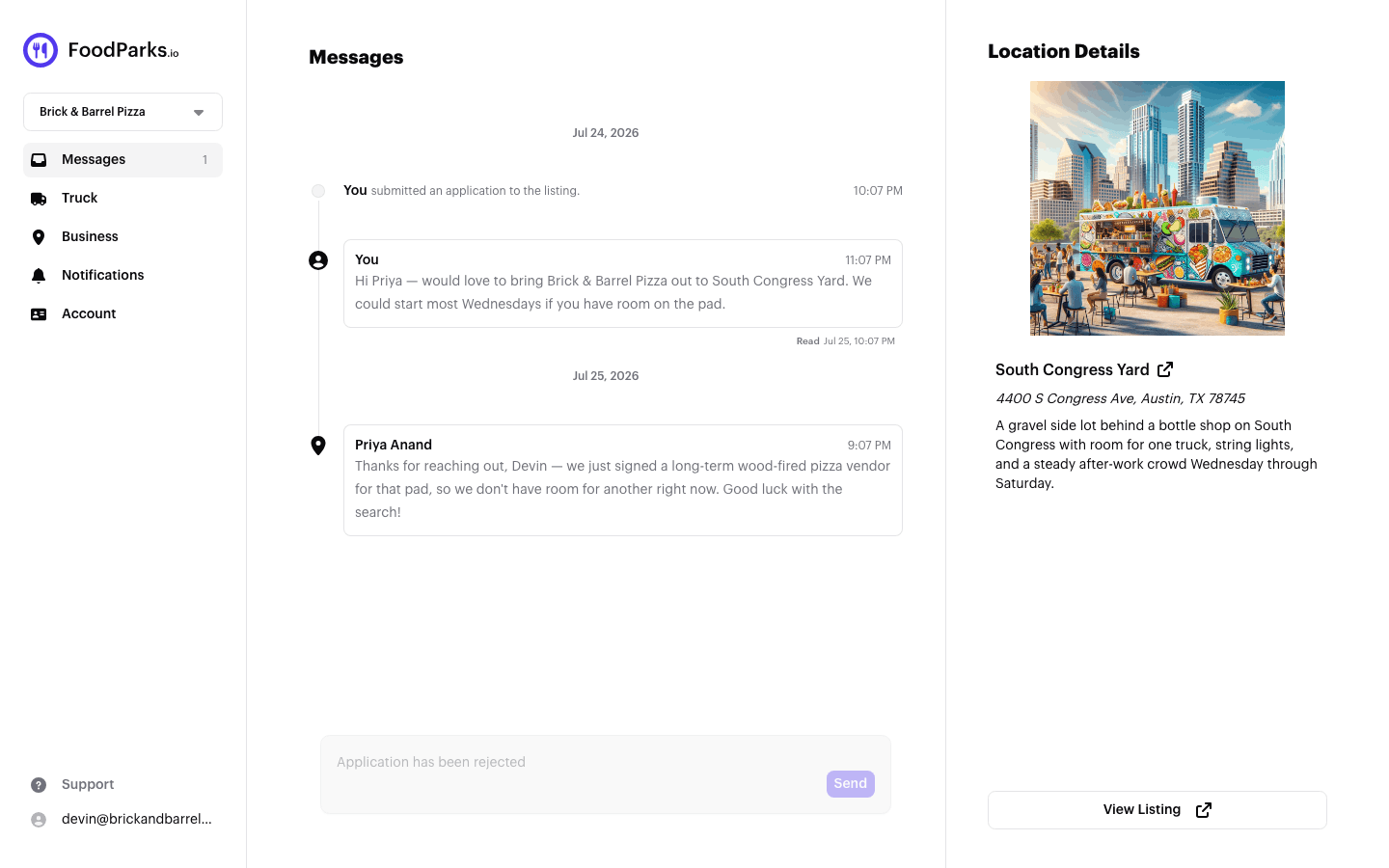
If the owner changes their mind, moving the application back to Approved or Pending reopens your ability to message them immediately — there is nothing for you to do on your end.
You cannot apply again
A truck gets exactly one application per listing, ever — being Rejected does not clear the way for a second try. On the listing's page, your Apply (or Join Waitlist) button stays permanently replaced with a disabled "Applied" (or "Waitlist Joined") button, whether your one application is Pending, Approved, or Rejected — there is no way to tell which from that button alone. See Trouble applying to a listing? if you are unsure why you cannot apply somewhere, and the FoodParks glossary for more on how applications work.
How you'll be notified
No status change is emailed — Approved, Rejected and Pending alike. The status on the application itself is where you'll see a decision, and a rejection also reaches you as the closed message box described above. If an application you were watching goes quiet, check the thread rather than your inbox.
If you use the FoodParks mobile app, a status change does send you a push notification — see Managing notification preferences. You still get an email when you first submit an application, and whenever the space owner sends you a message in the thread — see Emails FoodParks sends for the full list, and Applying to a space for what happens right after you apply.