If the Apply (or Join Waitlist) button on a listing isn't doing what you expect, it's almost always one of a handful of specific reasons — not a bug. Here's how to tell which one you're running into.
You've already applied here
This is the most common one. FoodParks allows exactly one application per truck, per listing — once you've applied, the button changes from Apply to a disabled button instead, and it stays that way:
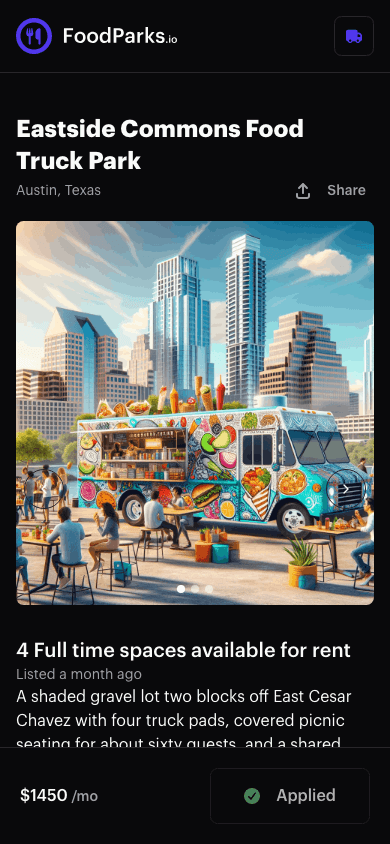
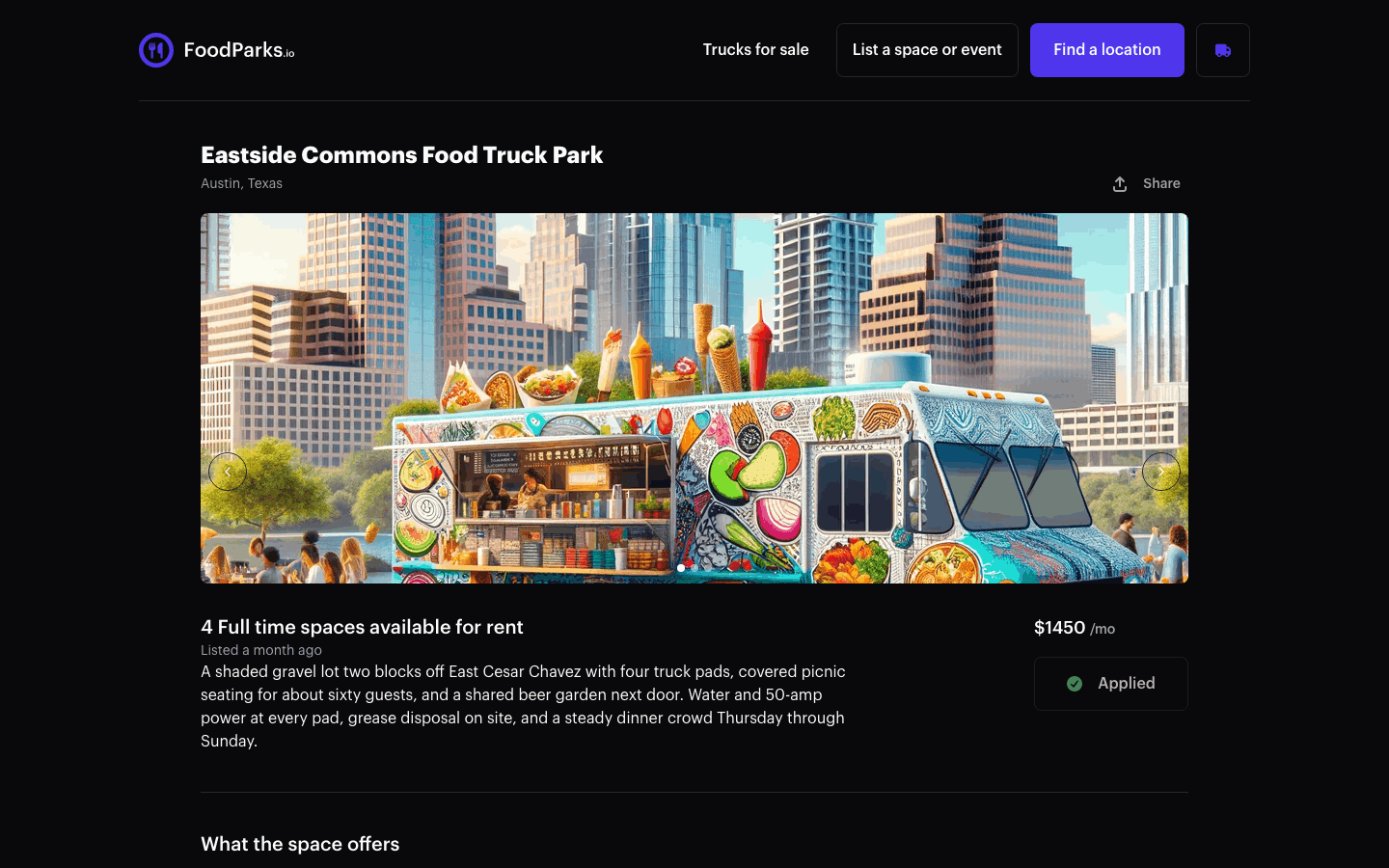
This holds even if the space owner later rejects your application, or you never heard back — there's no way to withdraw an application and try again, and nothing in your dashboard resets it. See What your application status means for what pending, approved, and rejected mean once you've applied. If you don't recognize an application showing under your truck, see Contacting FoodParks support.
The listing isn't accepting applications right now
A listing only takes applications while it's set to Available or Waitlist — both show a working Apply/Join Waitlist button, since joining a waitlist is applying to a listing that's currently full, just under a different button label. A listing that's Hidden (the owner turned it off) or Disabled (a FoodParks admin turned it off) shows no Apply button at all, and won't turn up in search either, even from a bookmarked or shared link. A brand-new listing that's still Pending, waiting on a FoodParks admin's review, is different: it has no public page you can open, but it hasn't stopped taking applications — one sent through a direct link to it still files normally. See Listing statuses explained for what controls each of these.
You haven't registered a truck yet
Without a truck attached to your account, the button on a listing takes you to registering one instead of applying directly. Submit that form and FoodParks does two things in one step: it creates your truck, and automatically applies that truck to the listing you came from — you don't need to apply again afterward. See Registering your food truck and Applying to a space.
One wrinkle, and it's specific to the website's registration form: an email address that already has a truck on FoodParks won't get a second one that way. Submit the form with that address and you're sent to the truck it already has instead of a new one — so if you meant to apply as a different truck, use a different email, or apply from the truck you already have. See Managing multiple trucks or listings if you run more than one truck.
Rejected, and now you can't message them either
Once an application is rejected, its message thread closes along with it — neither you nor the space owner can send a new message there. That's expected, not a separate problem: re-applying to the same listing isn't possible either, for the same reason as above.
A broken or mistyped link
Registering a truck through a listing's ?location= link doesn't fail
outright when that listing can't be found, or won't take the application.
FoodParks still creates your truck and simply doesn't file the application —
the truck registers normally, with no error telling you the second half
didn't happen. So if you registered through a listing's link and no
application shows up afterward, that's what happened.
Short of the owner deleting their whole account, nothing removes a registered truck or a listing on its own: a listing is taken down by changing its status rather than by being deleted (see above), and account deletion takes that account's listings and trucks with it all at once — see Deleting your account and data. So a link that never resolves is usually one that was wrong to begin with: mistyped, garbled, or copied incorrectly. Apply again from the listing's own page instead of the saved link. See Applying to a space for what a successful application looks like.
Still stuck?
If none of these explain what you're seeing, contact FoodParks support with the listing name and, if you have one, the application in question.