FoodParks.io has no separate inbox. Messages live with the application they are about, so every conversation already has its context attached. The FoodParks app does gather those same threads under an Inbox tab, but each one still belongs to an application there too.
Where to find your conversations
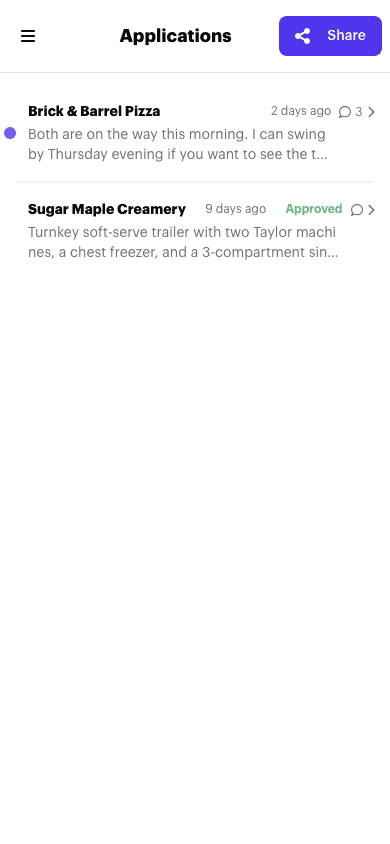
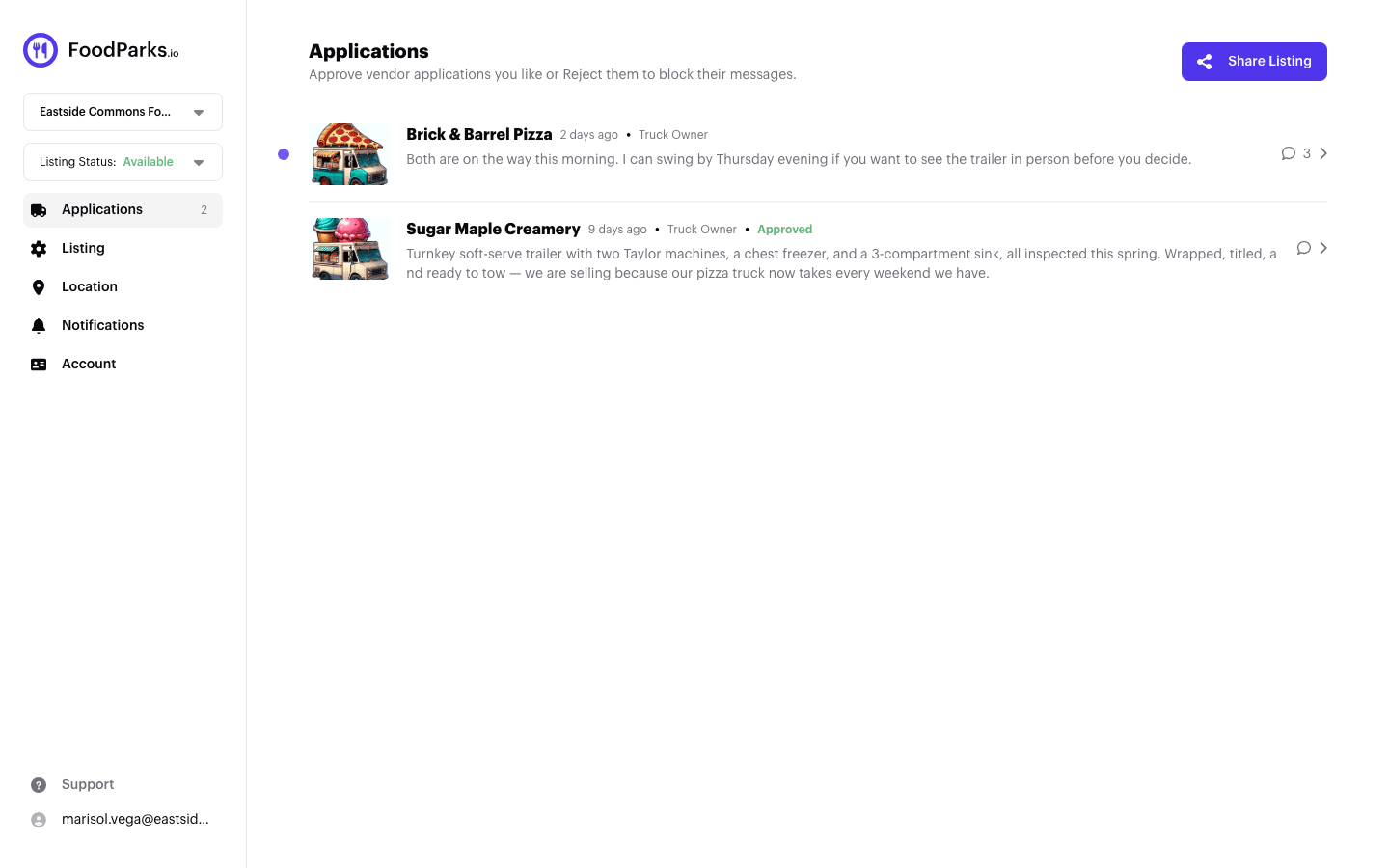
Space and venue owners — open your listing's dashboard and select Applications in the sidebar. Each application from a food truck is a row; opening one shows the truck's profile and the conversation.
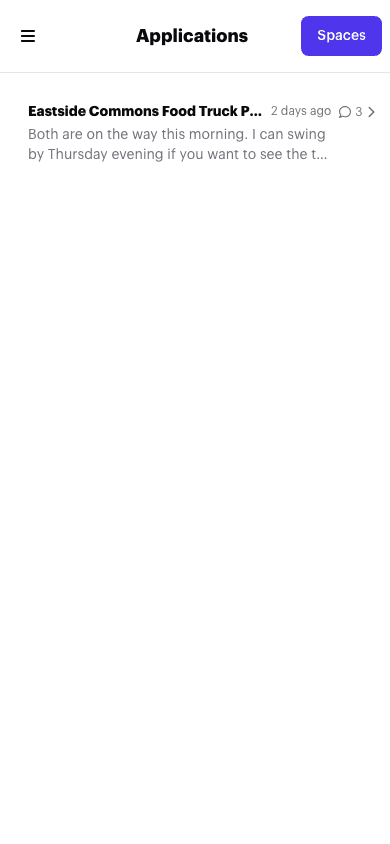
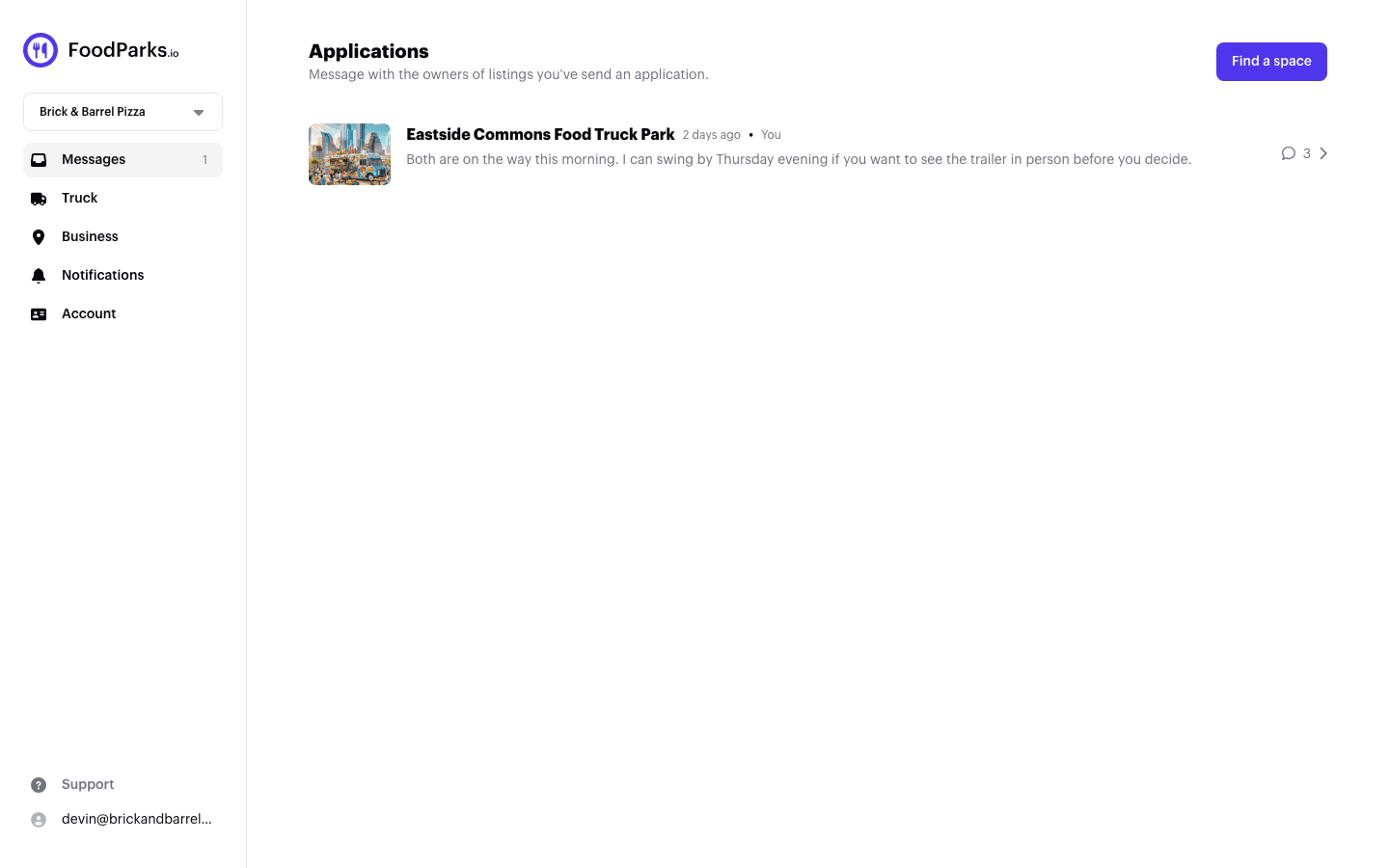
Food truck operators — open your truck's dashboard and select Messages in the sidebar. Each space you applied to is a row, with the same conversation inside.
The unread indicator
A small dot next to a row means there is a message on that application you have not read yet. Opening the conversation marks it read and the dot disappears. If a message sits unread for a while, you may also get a reminder email — see Emails FoodParks sends.
Replying
Type your reply in the thread and send it. The other party is notified by email on the next half-hourly run, if their notification settings allow it and the listing is still Available with the application not Rejected — see Emails FoodParks sends. They can reply straight from that email — see Replying to messages from your email.
Turning notifications up or down
You choose which emails FoodParks sends you, including new-message notifications. See Managing notification preferences.
If you expected an email and it never came, see Not receiving notifications?.