Each truck on the Food Trucks For Sale page has a Request Info button next to its asking price. See How to sell your food truck for everything else a buyer sees on that page.
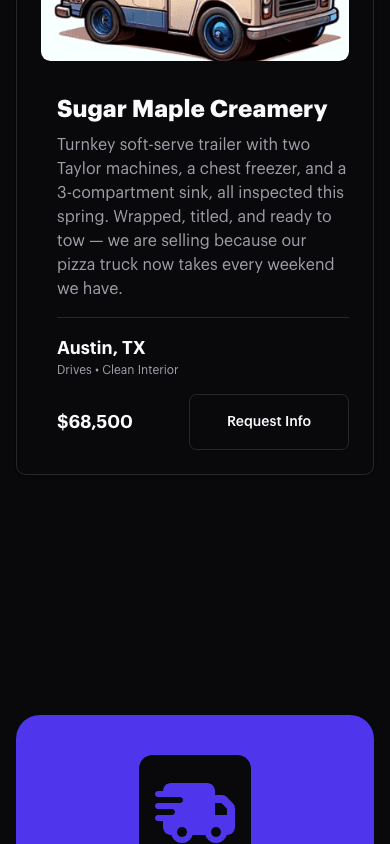
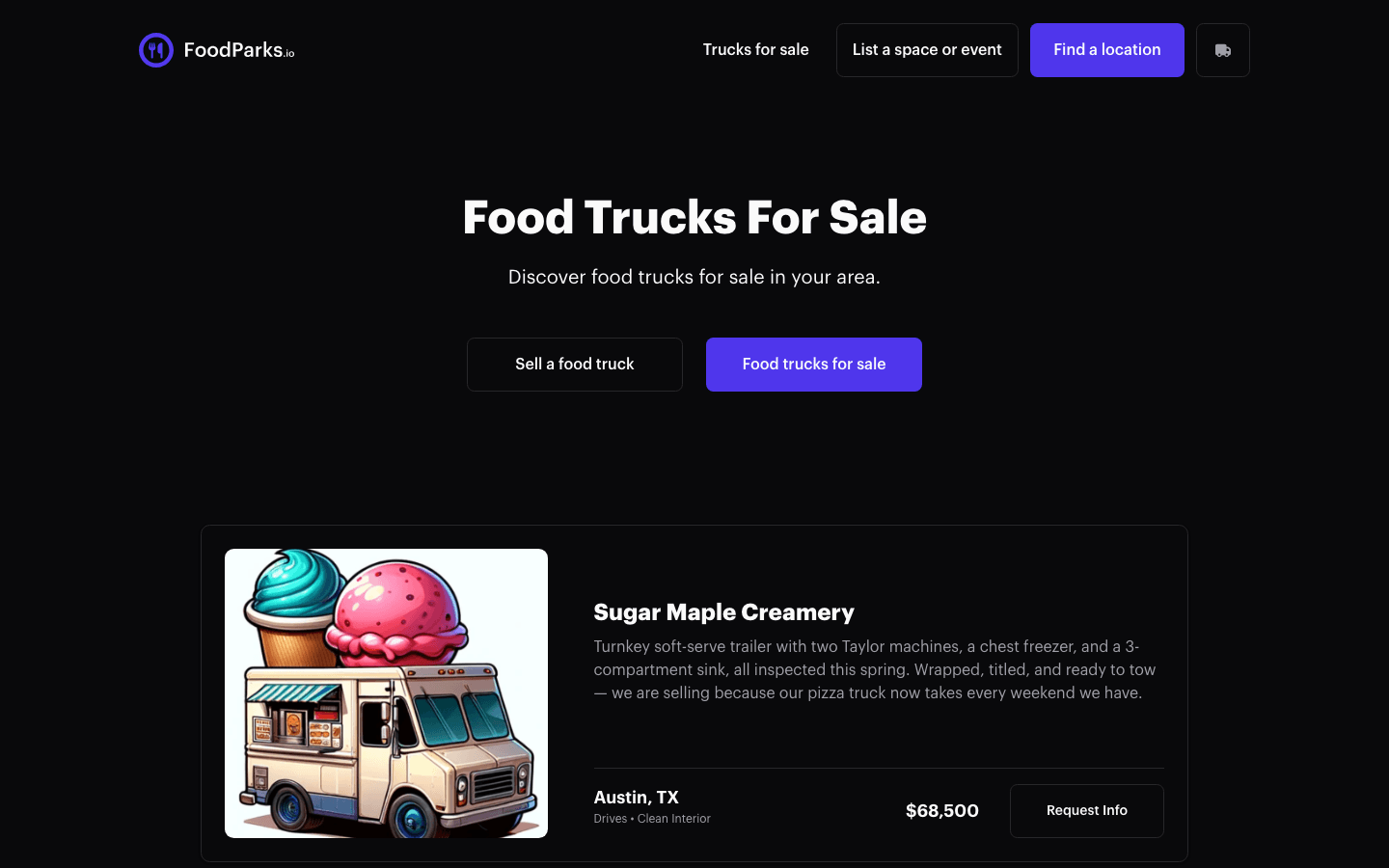
What Request Info does today
Selecting Request Info takes you to the sign-in page. It doesn't send a message to the seller by itself, and it doesn't carry over which truck you were looking at — once you sign in, you land wherever signing in normally takes you, which for a buyer with no listing or truck of their own is the locations directory, rather than back on the truck you were viewing.
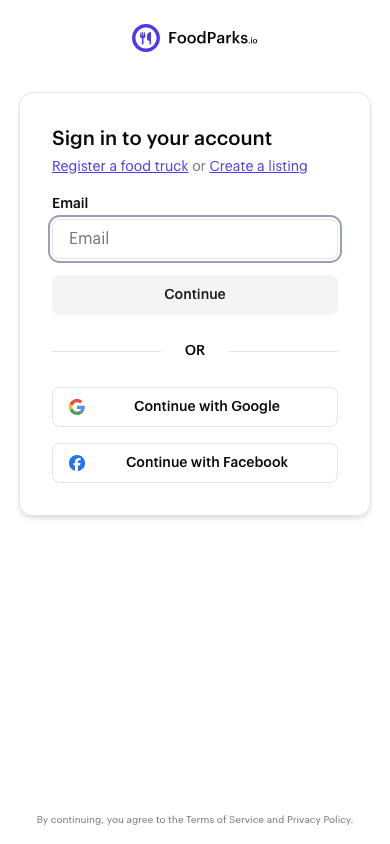
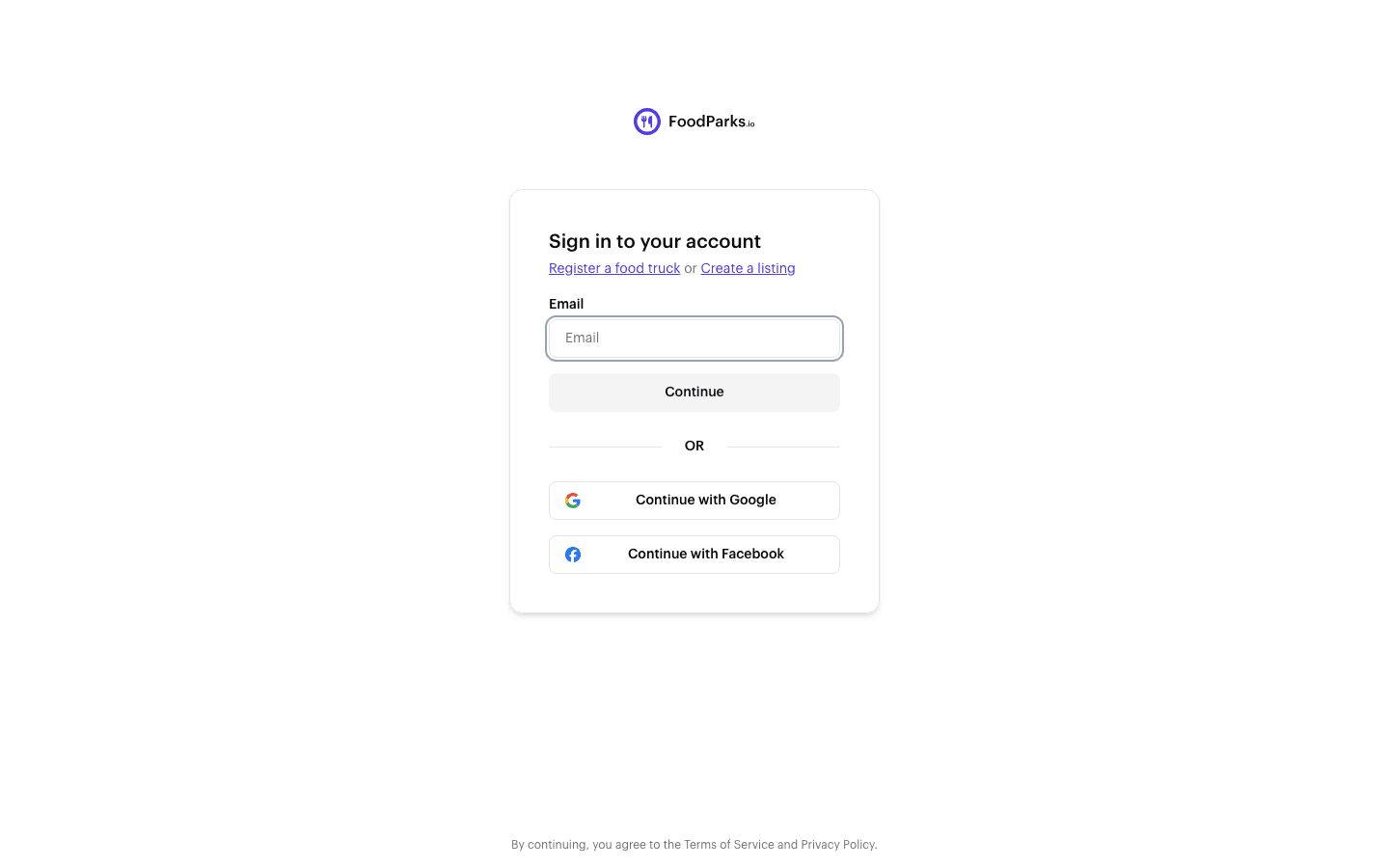
How to actually reach a seller
Contact the FoodParks team and name the truck you're asking about — the truck name, city, and state are enough for support to connect you with the seller. You don't need an account: signed out, the contact form asks for your email so the team can reply. See Contacting FoodParks support.
FoodParks doesn't handle the sale
The asking price is informational only. FoodParks does not process the sale, collect any payment, or take a cut — the sale itself happens directly between you and the seller. See Does FoodParks handle payments?.